
How to Use AI Group Photo in Three Simple Steps
01
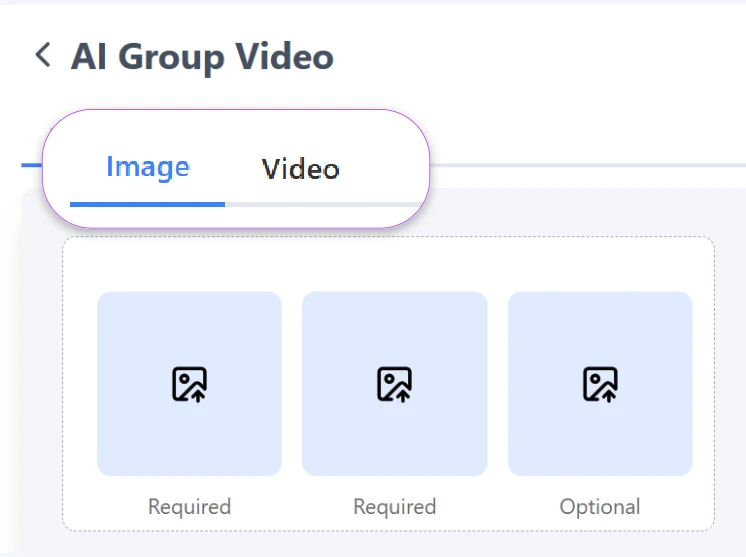
Switch to Image or Video Mode
Choose whether you want to generate a group photo image or a group video. The system supports both formats, allowing flexible creation based on your needs.
02
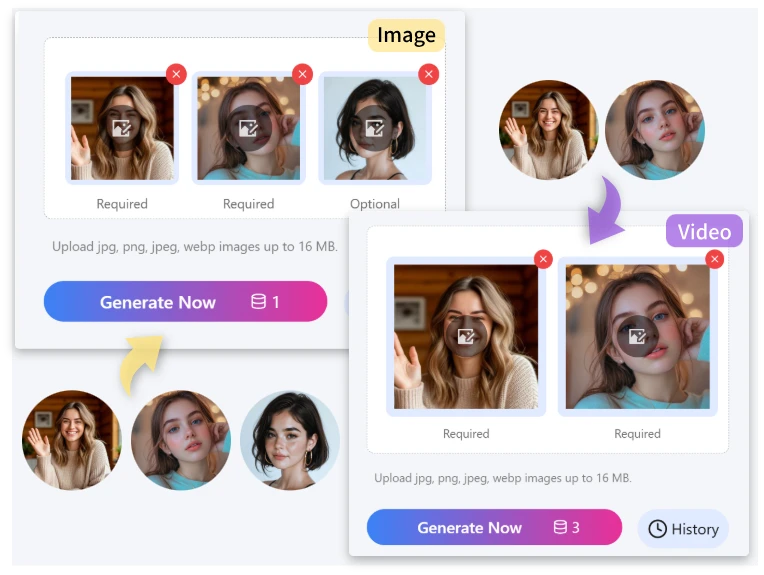
Upload Photos and Click Generate
Upload 2–3 photos and click Generate. AI automatically merges subjects, aligns lighting, posture, and background for a natural group result.
03
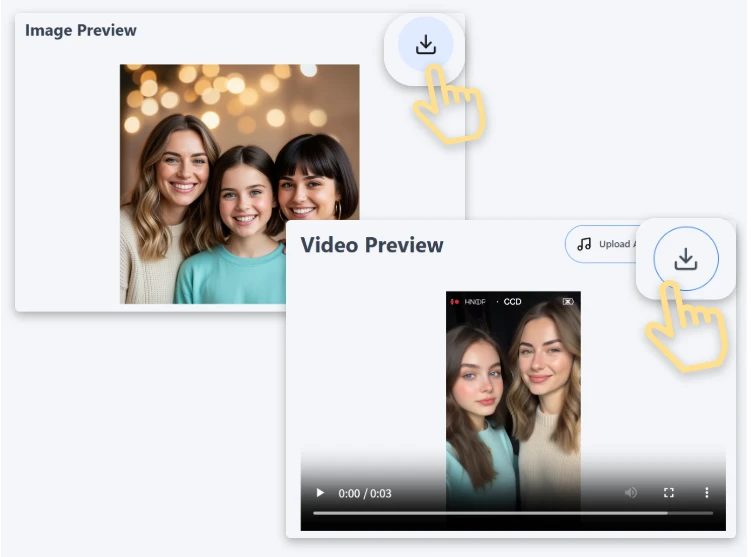
Download Image or Video
Preview the final output and download your group photo image or video in high quality, ready for sharing or professional use.
Explore Core Features of the AI Group Photo Tool
Generate realistic group photos instantly
AI blends individuals into the same depth, shadow direction, and tonal range for natural final output.
Transform images into group video sequences
Turn static group shots into dynamic moving clips suitable for campaigns, onboarding, or presentations.
Align background with proportional placement
Maintain perspective consistency whether creating corporate studios, product staging, or outdoor gatherings.
Enhance ai photography realism
Improve tonal mapping, brightness consistency, depth sharpness, and skin-tone adjustment automatically.
Produce medium or large collective visuals
Create groups of 2–3 people without losing clarity, edge quality, or composition stability.
Access free AI group photo generator tools
Export watermark-free visuals ready for printing, publishing, posting, or promotional display.
Discover Endless Possibilities of Group Image Creation
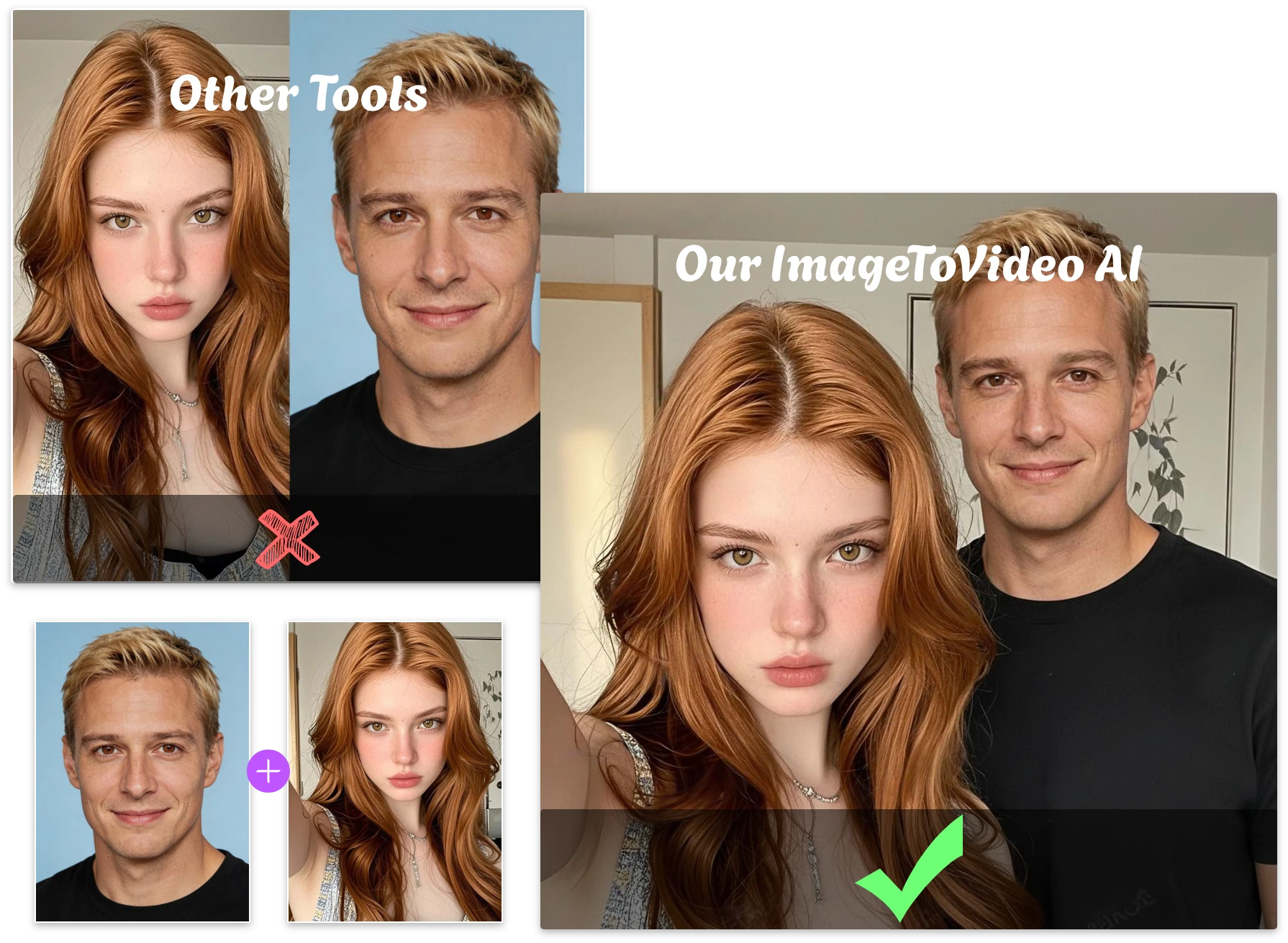
Create Naturally Merged Group Image Instead of Collage
Traditional collage-style combination lacks realism. AI Group Photo blends faces, shadows, and scale into one believable frame. The final output looks like everyone truly attended the same moment.
Generate Group Photo with Online Influencers
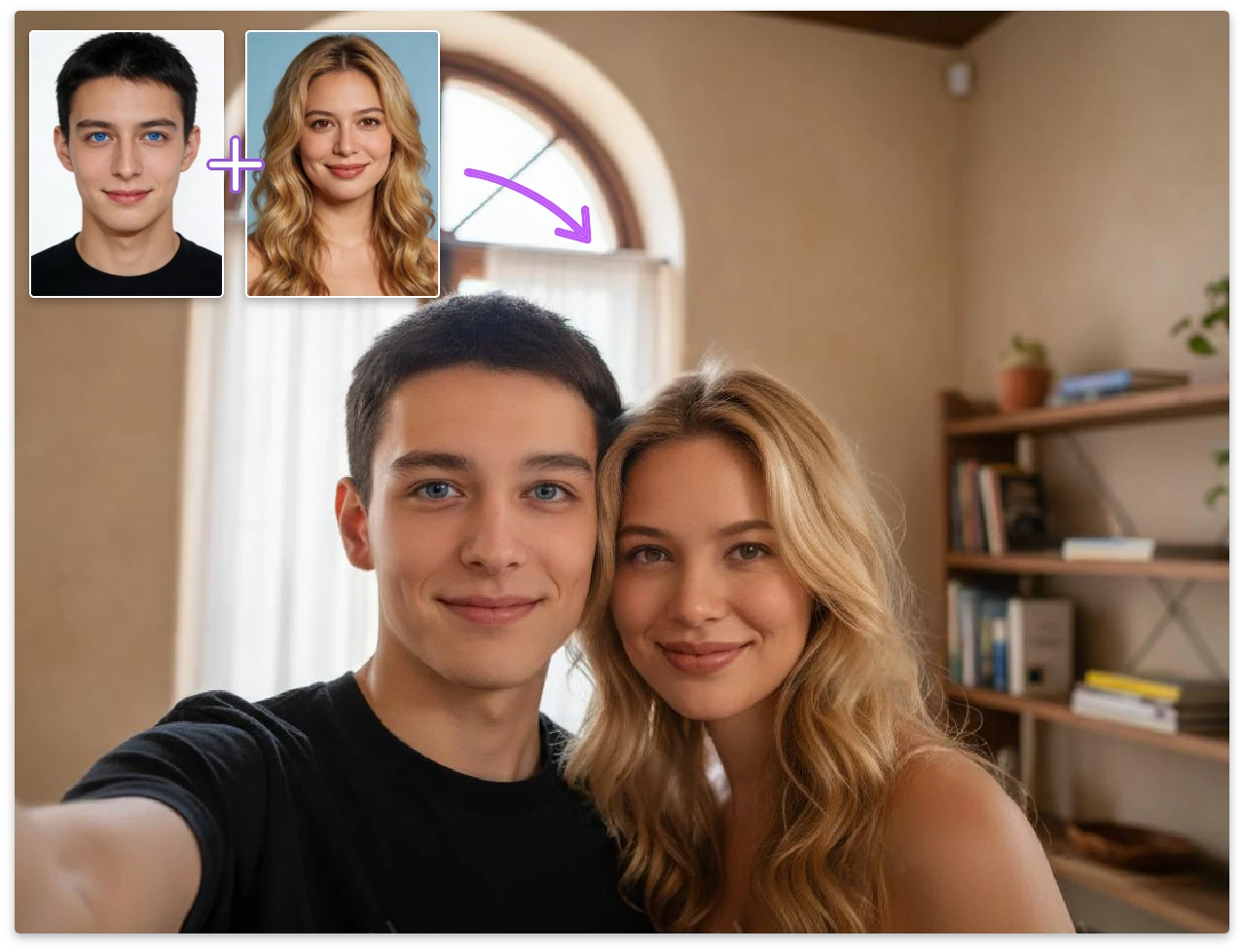
Upload your own portrait and pair it with an influencer photo. AI automatically harmonizes posture, expression depth, and lighting balance, making both subjects appear physically present. Perfect for campaign promos, giveaways, or branded storytelling.
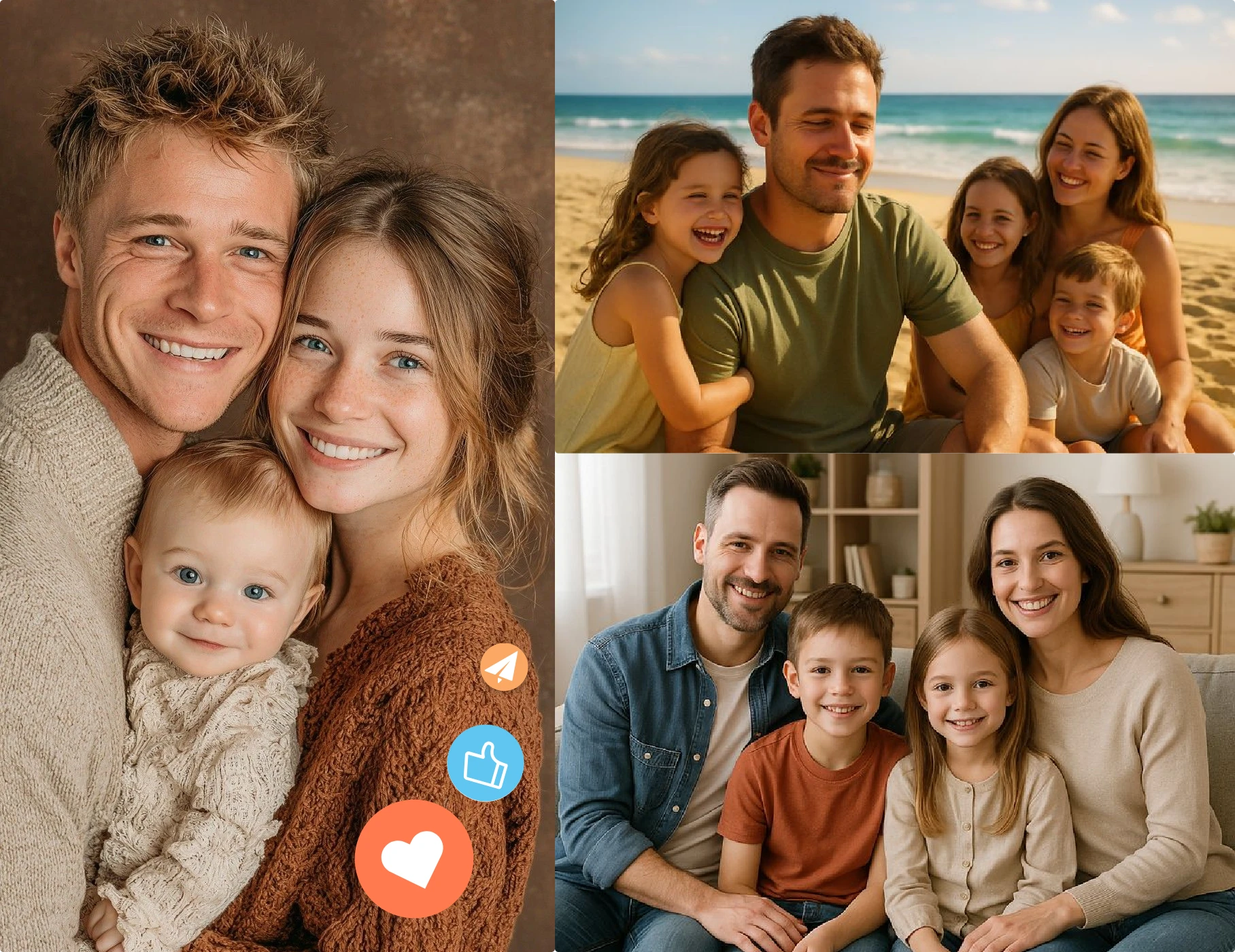
Create Natural Family Group Photo
When distant family members cannot gather, this tool forms a unified and warm-looking family portrait. The system aligns head height, scene depth, and lighting so results appear authentically taken. Great for albums, wall décor, or printed memories.
Generate Photos That Trigger Social Media Engagement
Produce visually cohesive group images that look like a professional shoot. The dynamic framing and realistic fusion increase comments, shares, and repost exposure. Suitable for creators, event moments, and brand teaser posts.
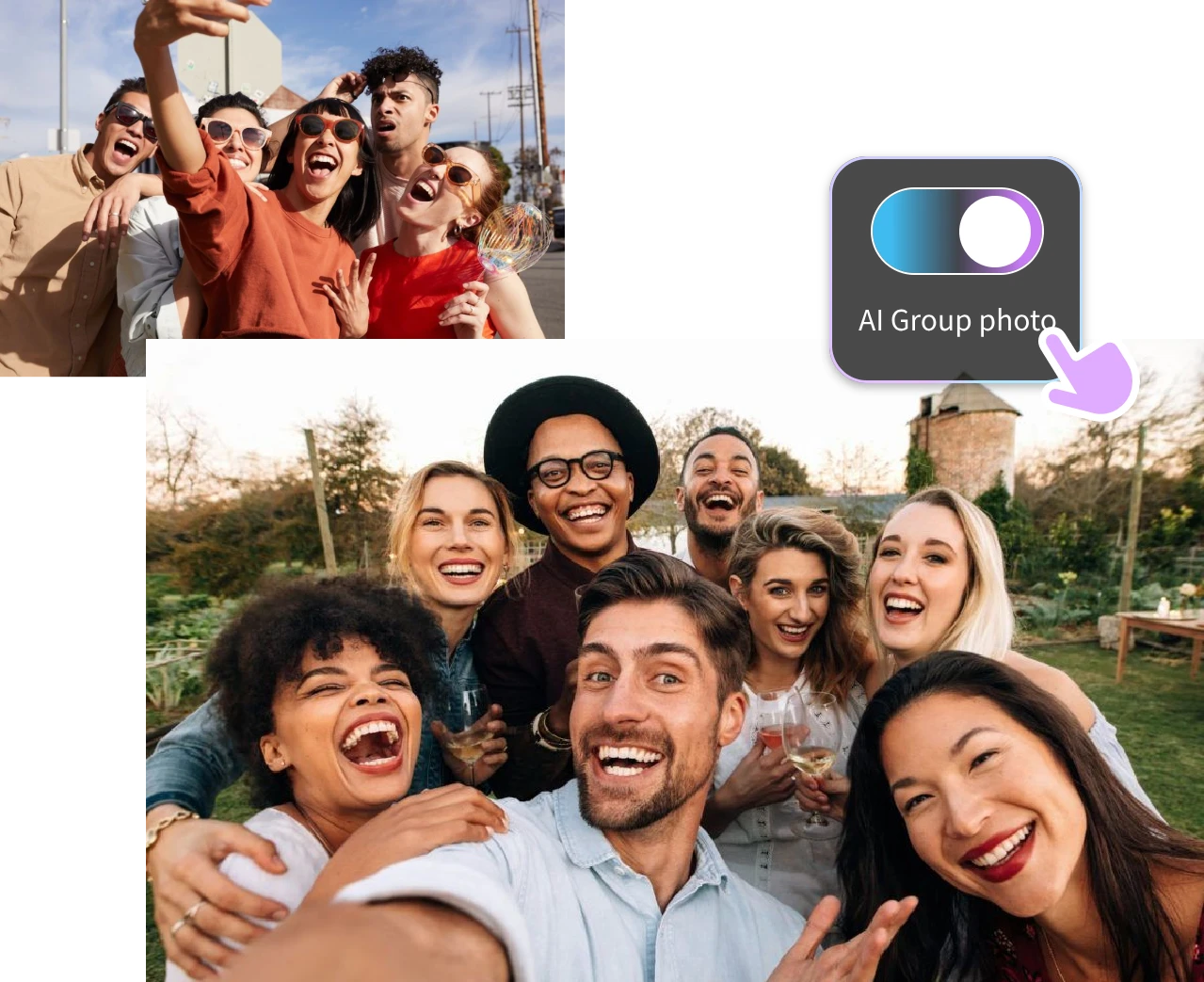
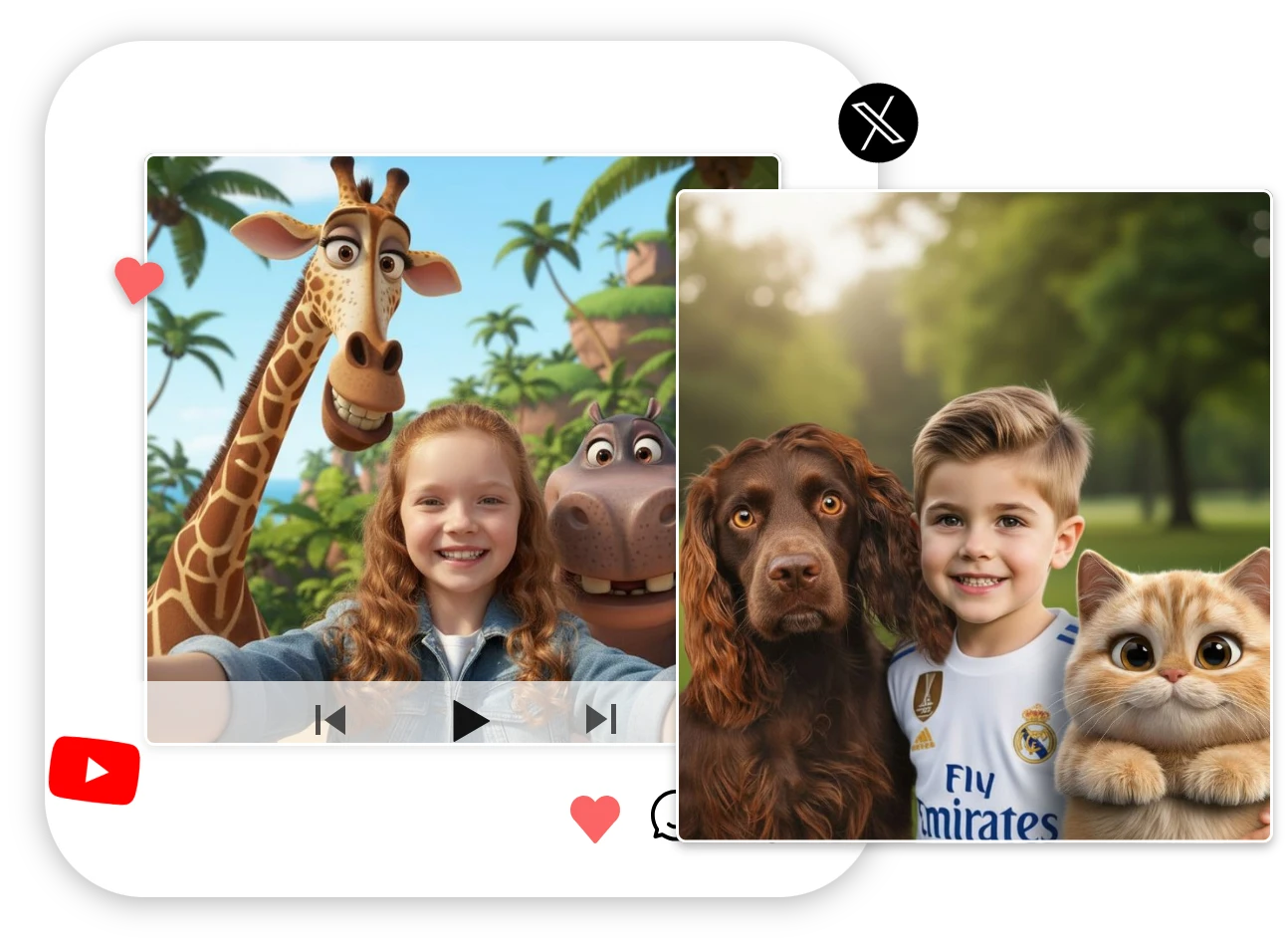
Create a Group Photo with Your Favorite Anime Character
AI Group Photo lets you appear naturally beside your favorite anime character without manual editing. Upload your photo and the character image, and AI aligns scale, lighting, and composition so both look like they exist in the same scene. Perfect for fan content, profile images, and creative social sharing.
Frequently Asked Questions
What Is an AI Group Photo Generator?
An AI group photo generator allows users to merge separate portraits into a realistic group photo image. Instead of manual editing, the free AI group photo generator aligns lighting, posture, and depth so the group photo image looks naturally captured.
Can I generate both images and video?
Yes. You can export static portraits or animated sequences for marketing, intros, or storytelling.
Does it support multiple background themes?
You can select studio-style walls, neutral minimal spaces, outdoor lighting, classroom environments, and branded layouts. The system automatically matches background perspective so your group photo image looks purposeful, not arranged.
Will Everyone Look Naturally Positioned in the Image?
Yes. AI aligns subject height, facial angles, spacing, and verified depth layers. Instead of appearing resized or pasted, each person integrates into the group photo image with appropriate scaling. This keeps the final output realistic and cohesive.
How many individuals can I generate together?
Supports small groups to larger clusters without losing definition.
Can the output be used commercially?
Yes. You can export for marketing, HR introductions, presentations, campaign visuals, or printed posters. The file generated through the free AI group photo generator contains refined resolution suitable for promotions.
Why Users Love Our AI Group Photo Generator
We used the tool to merge remote teammates into one banner. The group photo image looked professionally captured. After downloading from the free AI group photo generator, we published it directly with no retouching.
Sarsh S.
Our brand event preview became visually unified. The free AI group photo generator gave us studio-quality visuals suitable for Instagram and landing pages. We didn’t need designers to refine anything afterward.

Jack M.
The merging effect was surprisingly accurate. Facial sizes, angles, and depth all felt natural. We exported and placed it inside our onboarding kit without changing anything.
Rose K.