
How to Use AI Jiggle Generator Online?
Creating your own AI Jiggle video has never been this easy. Just follow these simple steps:
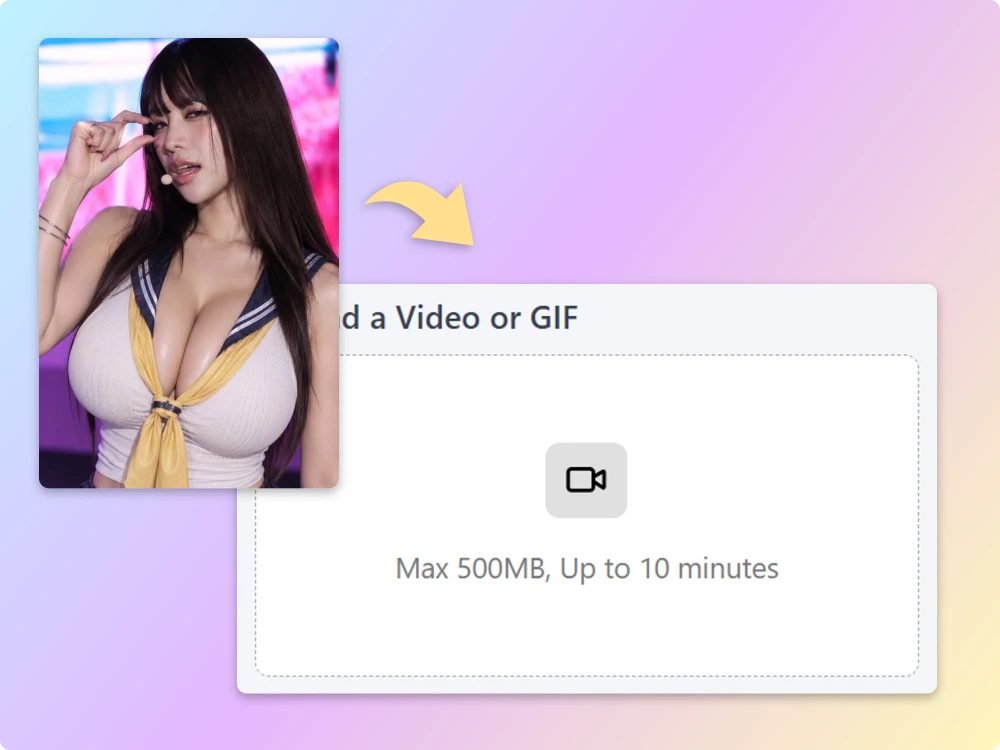
Step 1 Upload Your Image
Choose a clear selfie, portrait, upper-body image, or full-body photo. Images with a clearly visible subject and good lighting can help the AI detect movement more accurately and create smoother results.
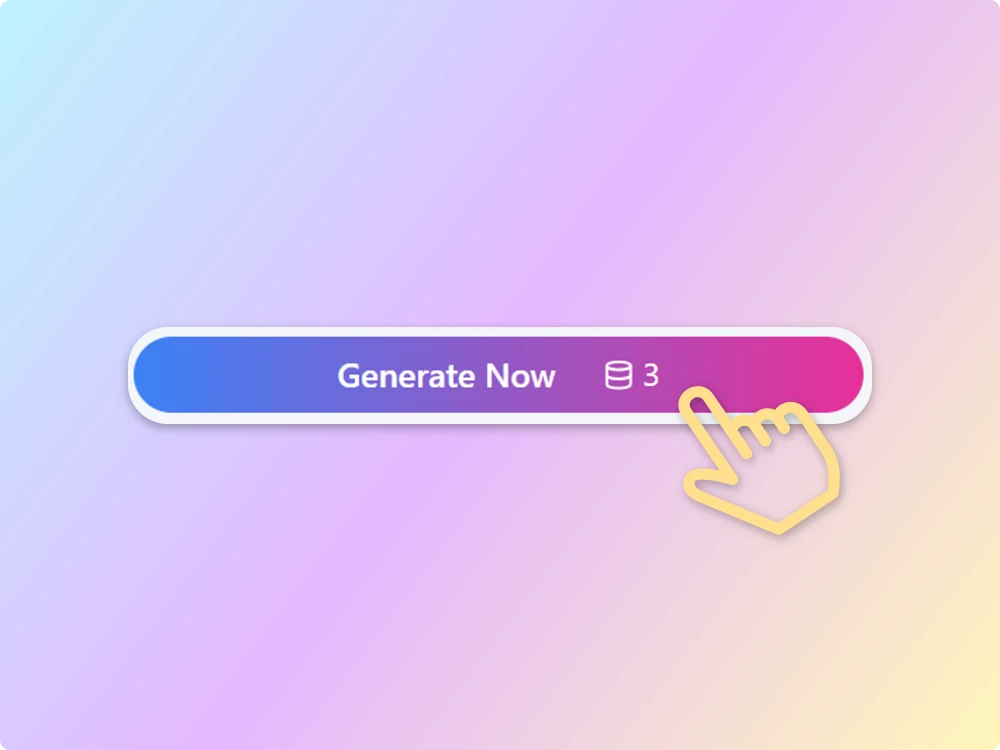
Step 2 Generate & Download
Let AI transform your image into a dynamic video. Generation time and output options may vary depending on the AI model you choose. Once your video is ready, you can preview and download it without a watermark.
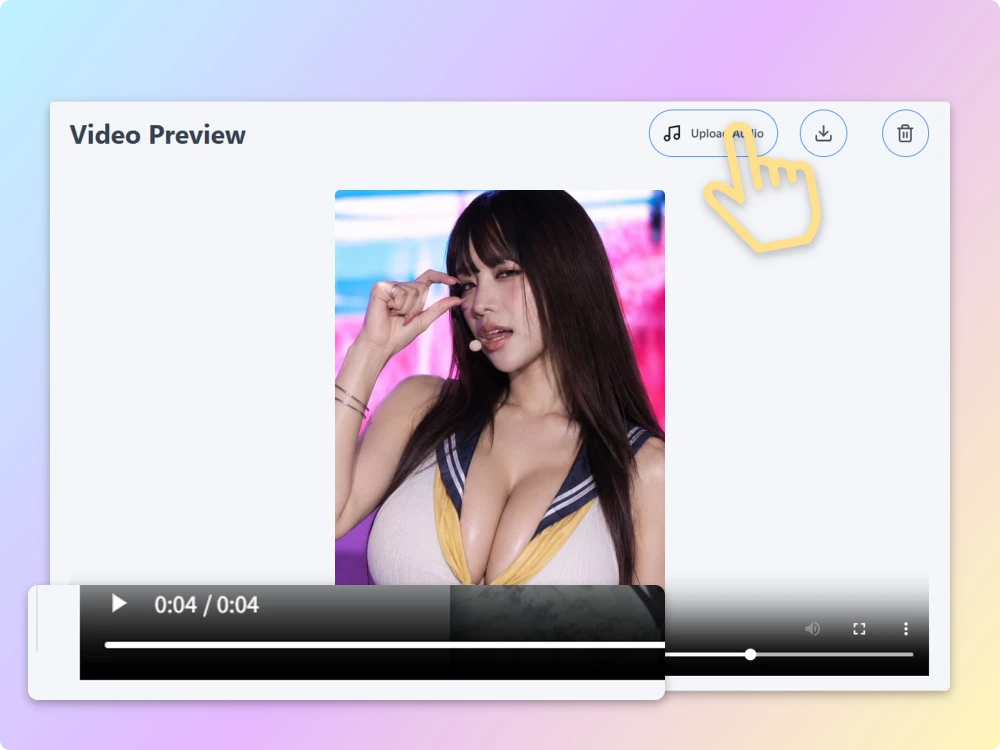
Step 3 Share on Social Media
Download your watermark-free AI jiggle video and share it on your favorite social media platforms. You can use your animated image for short-form videos, memes, creative posts, and other social content.
Explore What You Can Create With an AI Jiggle Generator
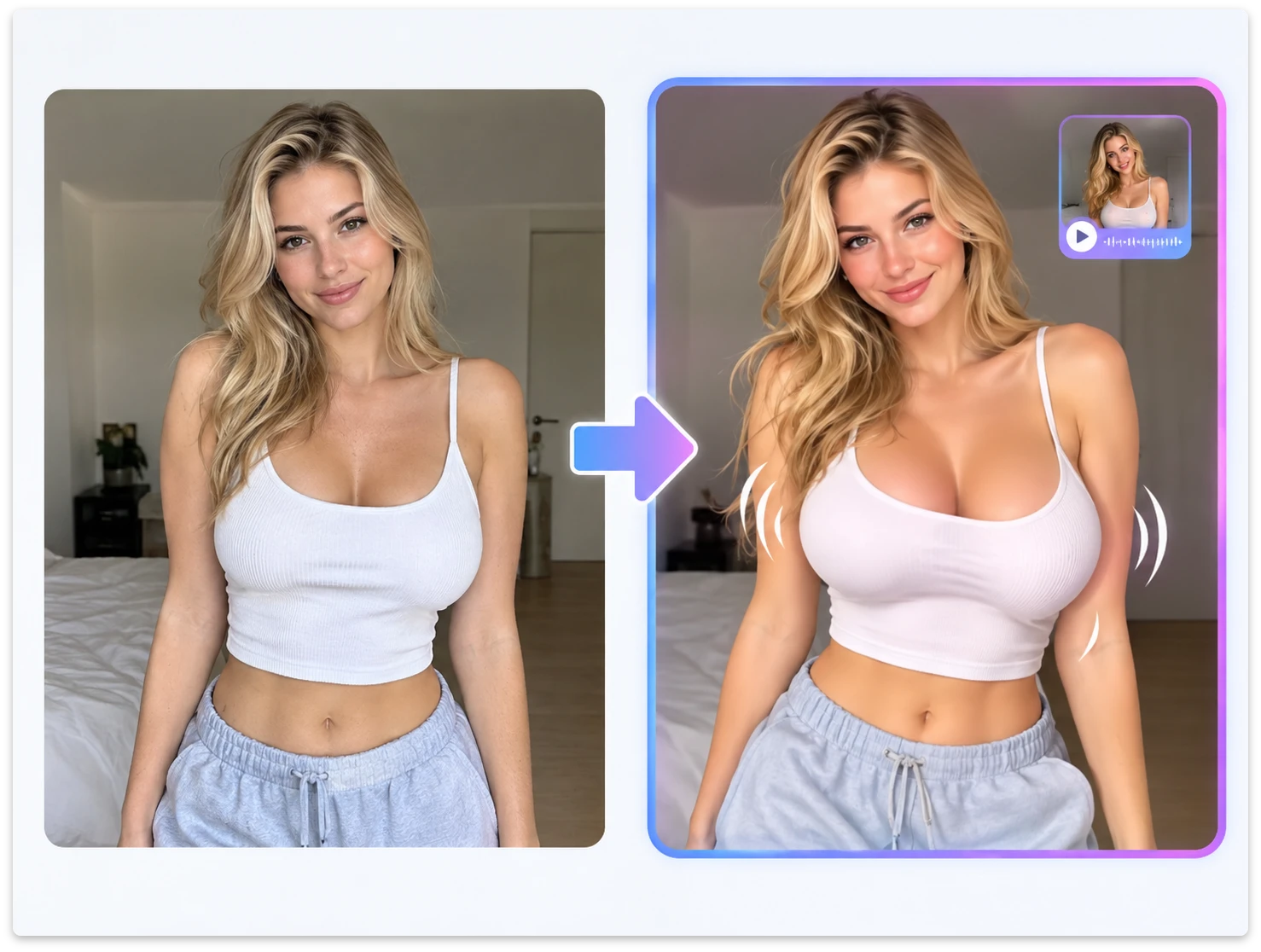
Add Natural Jiggle Motion to Portraits
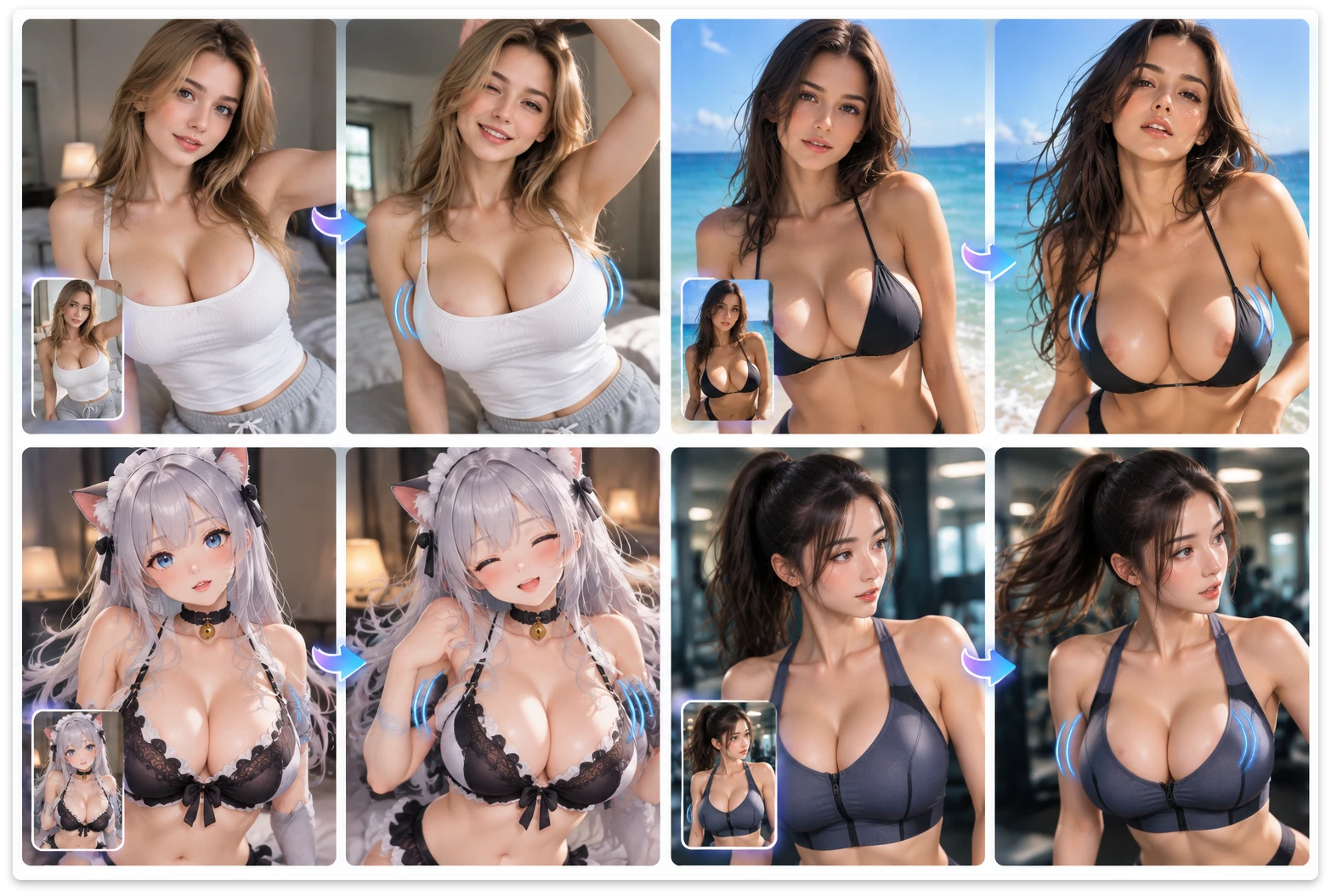
Transform static portraits and selfies into dynamic videos with AI-generated motion. Create subtle chest jiggle and natural movement from images you already have, making it easy to create animated profile content, social posts, and short videos.
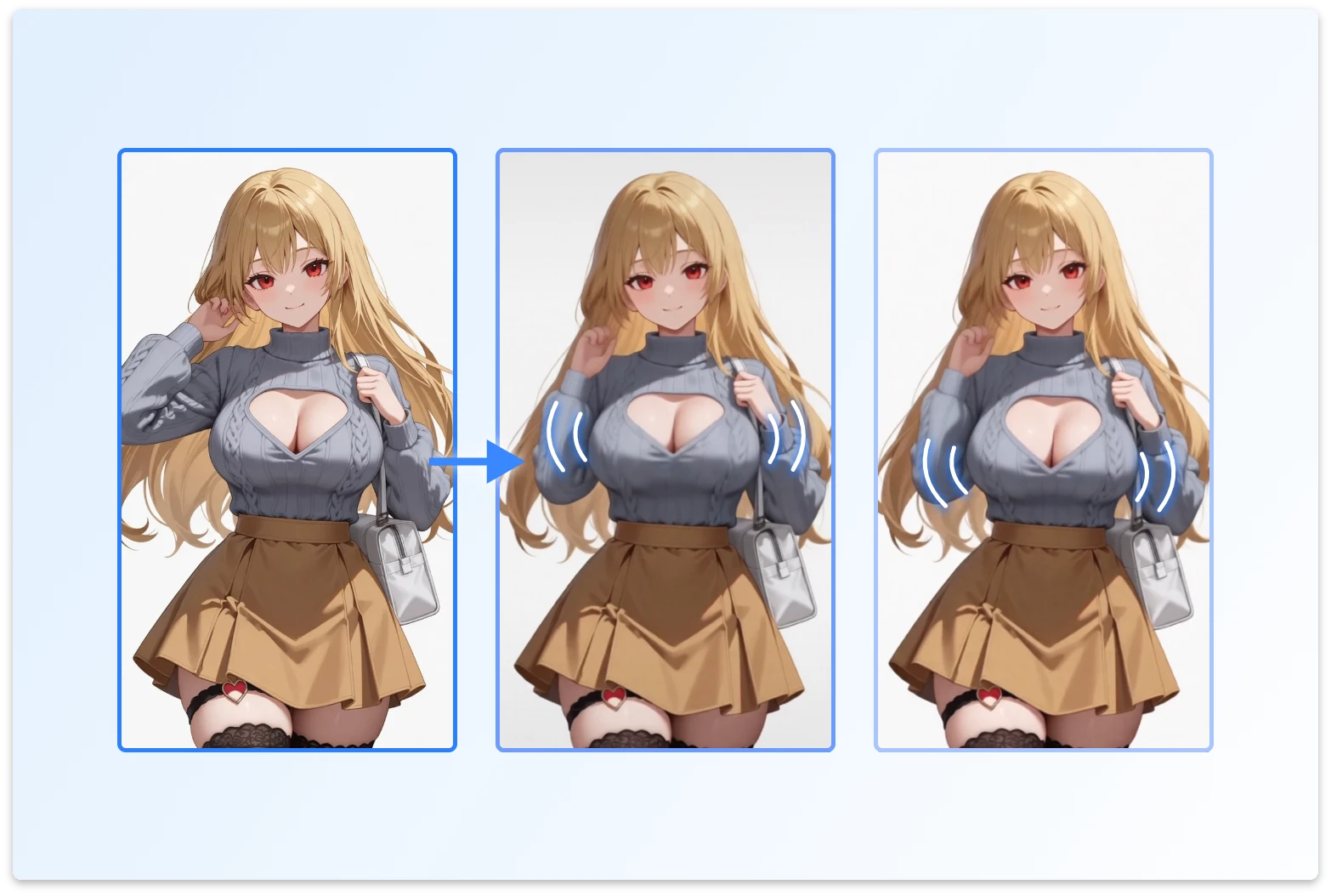
Create Animated Jiggle Characters
Animate character illustrations, avatars, and anime artwork with AI-generated motion. Add playful movement to static artwork and experiment with different prompts to create unique jiggle animations and short animated scenes.
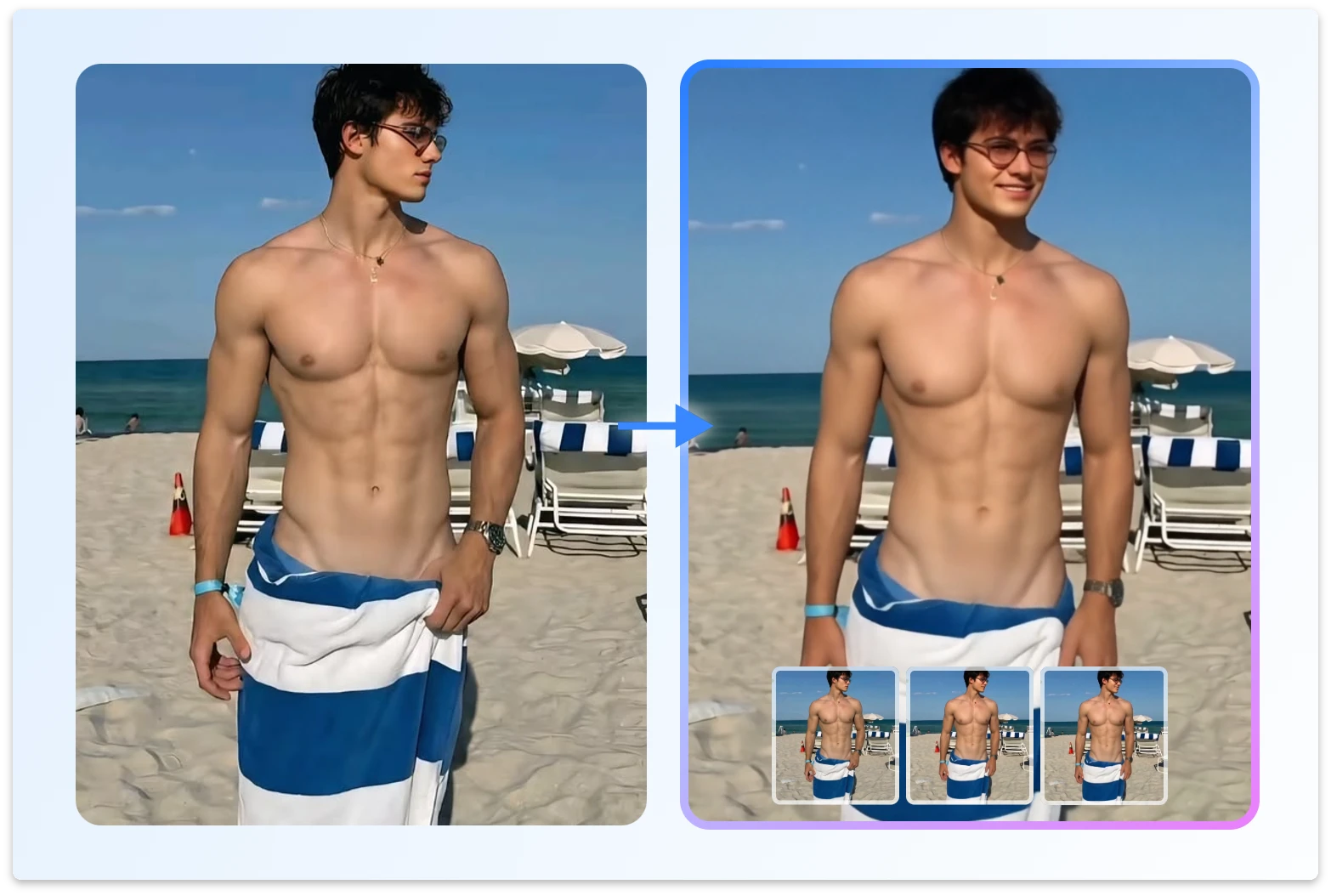
Make Eye-Catching Jiggle Memes
Turn static memes into short AI jiggle videos with playful movement. Add a bounce or Jiggle Effect to give your memes more personality and create content that stands out on Reddit, X, Instagram, and TikTok.
Add Motion to Social Media Content
Use free AI jiggle video generator to turn existing images into content for TikTok, Instagram Reels, YouTube Shorts, and other social platforms. Add dynamic movement to static visuals without manually creating an animation from scratch.
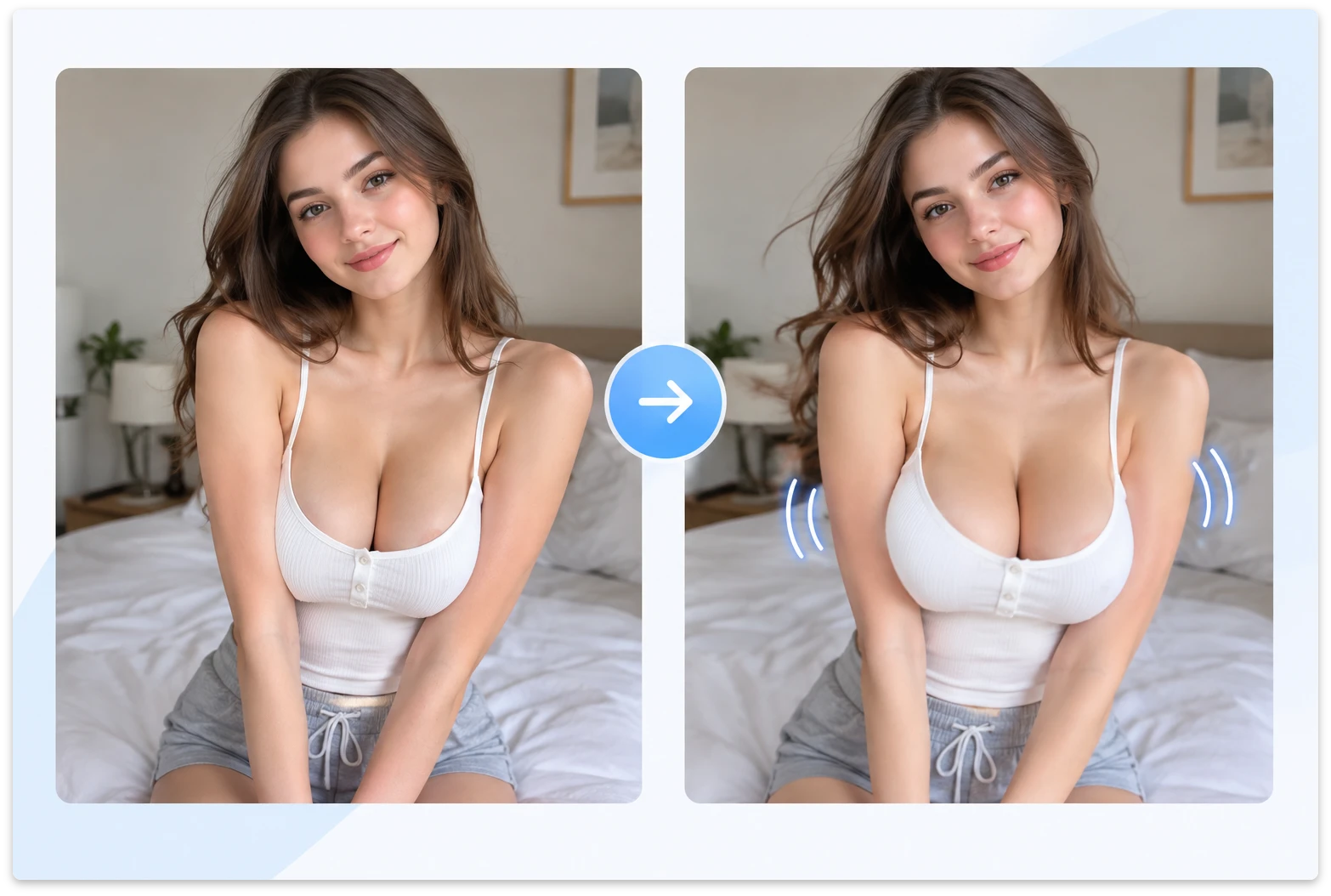
Explore Different AI Jiggle Effects
Experiment with different images, prompts, and AI video models to create unique motion effects. Explore natural chest shaking physics, chest bounce, and different levels of jiggle movement to see how each setting changes the final video.
Why Choose Our AI Jiggle video Generator?
Realistic Animation Without a Studio
Our AI jiggle generator adds natural motion to selected areas of an image, helping create more dynamic and lifelike videos. Use prompts to guide movement, including subtle chest jiggle and other controlled motion effects, without animating every frame by hand.
Free & Watermark-Free
Try our free AI jiggle generator with free credits available to new users after signing up. ImageToVid creates videos without added watermarks, so you can download and share your results without extra branding.
Background & Scene Control
Our AI jiggle video generator lets you combine motion effects with changes to the surrounding scene. Use prompts to adjust backgrounds, environments, and visual details while keeping the main subject consistent.
Safe, Private, and Fast
Use our AI jiggle generator online directly in your browser without manual video editing. Uploaded images are retained for 24 hours, while generated videos are retained for 7 days. Generation speed depends on the AI model you select, giving you flexibility to test different motion styles and results.
AI Jiggle Video Tips for Better Results
Use a Clear, High-Quality Image
Use a sharp, well-lit image where the main subject is easy to see. Clear images give an AI jiggle generator more visual information to work with and can help produce more consistent results.
Keep the Subject Clearly Visible
Images with a clear outline and enough visible body or character details can make it easier for the AI to understand the subject and generate consistent movement.
Use Simple, Specific Prompts
Describe the motion you want in clear terms. For example, specify a subtle chest jiggle or gentle movement instead of asking for overly complex motion. More specific prompts can make it easier to guide the result.
FAQ About free AI Jiggle Video Generator
What Is an AI Jiggle Generator?
The AI Jiggle Generator is a creative AI animation tool that applies jiggle effects to static images, turning them into short, playful videos. Using AI-generated motion, the tool can simulate natural bounce and dynamic body movement. It’s useful for creating fun edits, character animations, avatars, memes, and other short-form visual content.
Is our AI Jiggle Generator free to use?
You can try an AI Jiggle Generator with free credits available to new users. Additional usage may require paid credits. Generated videos are also watermark-free, so you can download and share your results without additional branding.
Does an AI Jiggle Generator require an app or any software installation?
Not at all. Our AI Jiggle Generator online is a browser-based tool that works on devices with an internet connection. Whether you’re using a phone, tablet, or computer, you can open your browser, upload your image, and generate a video directly — no app or software installation is required.
What kind of images work best with the AI tool?
For the best results, use clear, high-resolution images with the main subject clearly visible. Full-body portraits or upper-body shots with well-defined outlines can make it easier for the AI to identify the areas that need movement. Good lighting and contrast can also help produce smoother, more natural jiggle and bounce effects.
Is the AI Jiggle video Generator safe and private to use?
Yes. Privacy is our top priority. All photos uploaded to the AI Jiggle Generator are processed securely and are not saved or stored after generation. You can use the tool with confidence knowing that your uploaded content remains private and protected.
Is the AI tool mobile-friendly?
Yes. The free AI jiggle generator works directly in a mobile browser, so you can upload photos, generate videos, preview your results, and download your creations from a smartphone or tablet. No separate app is required, making it easy to create and share videos on the go.
Ready to bring your photos to Jiggle Videos?
Don’t just imagine the bounce — make it happen. Try free AI jiggle generator to add fun, lifelike motion to your images and create videos you can share on social media.