
How to Use the AI Talking Photo Generator?
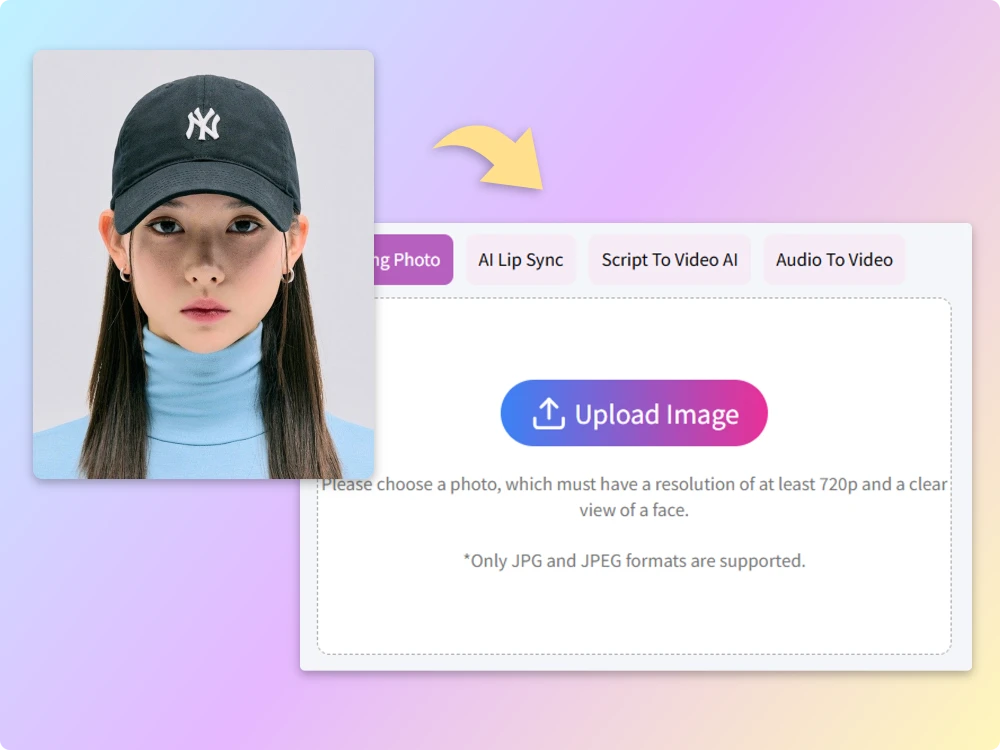
Step 1 Upload Your Photo
Choose a clear face-forward photo (JPEG, JPG). Make sure the face is unobstructed and well-lit.
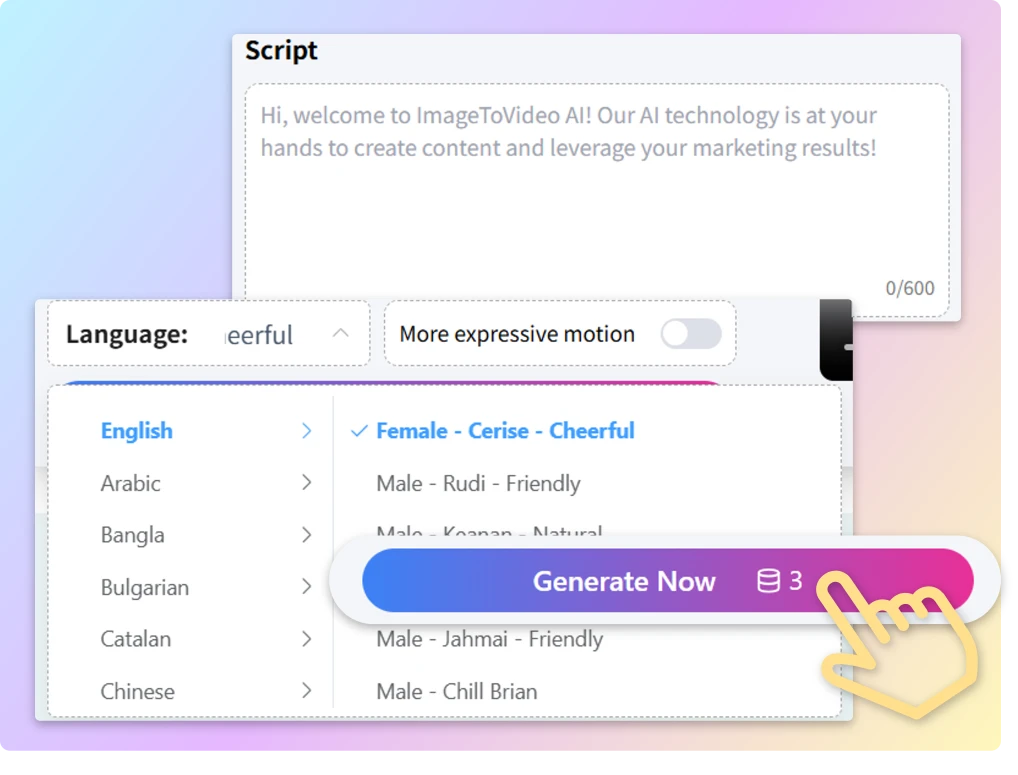
Step 2 Add Your Script & Customize Voice
Input the text of the script and customize the voice.
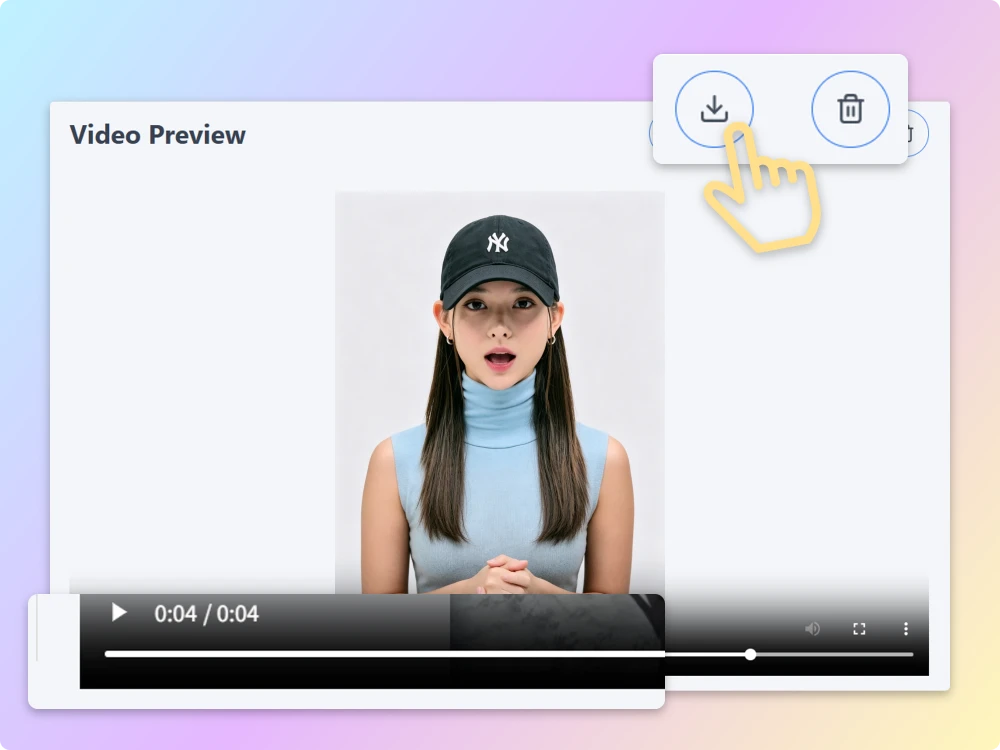
Step 3 Generate AI Talking Video
Adjust speed, emotion, and voice tone if needed. Click Generate, and let our AI bring the photo to life.
Talking Photo Online tool for Content, Marketing, and Fun
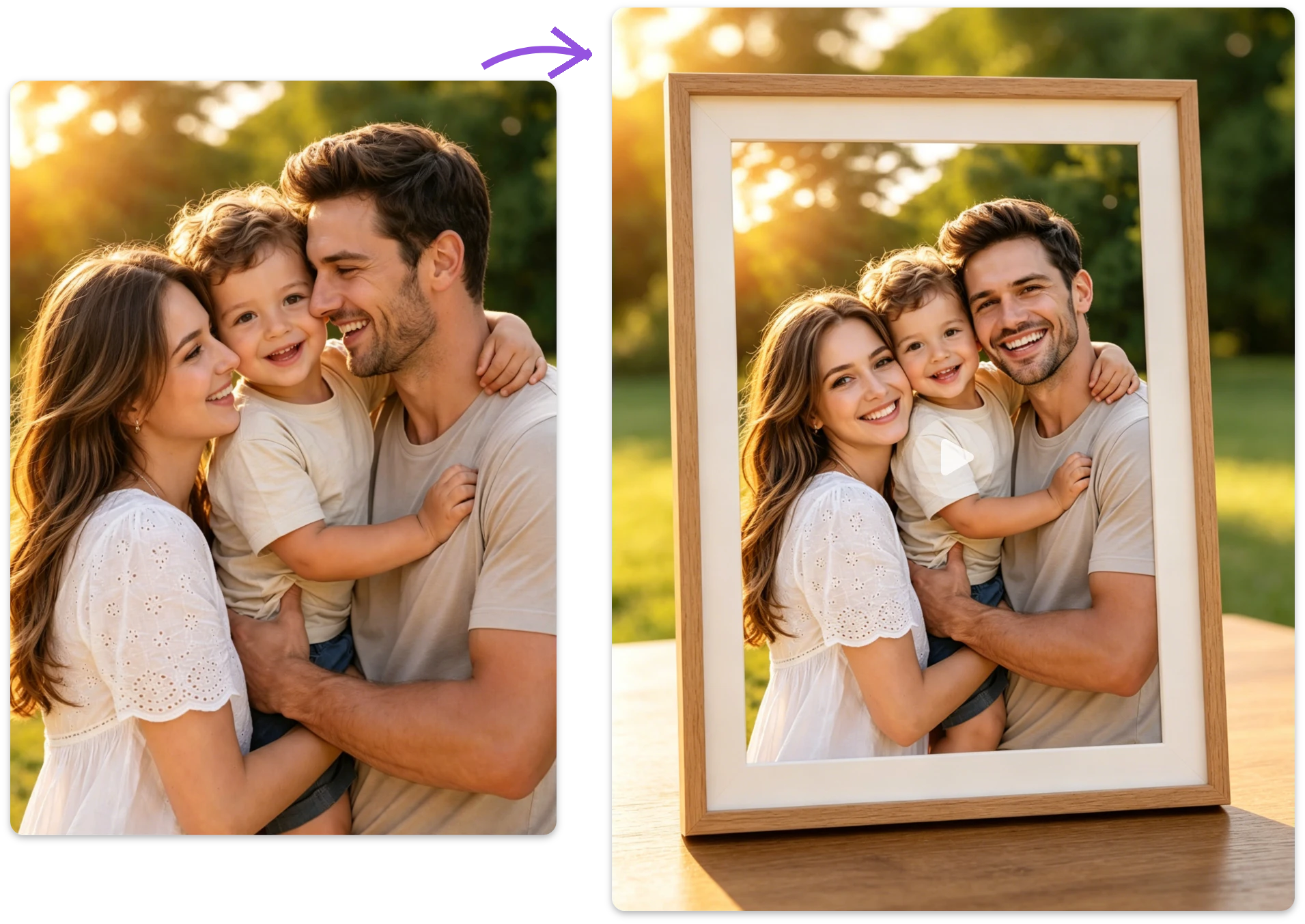
Create a Digital AI Talking Photo Album for Family Memories
Old photos just sit there, and memories fade. With free AI talking photo, you can make loved ones “speak” again—telling stories, sharing moments, and bringing warmth back to your family albums.
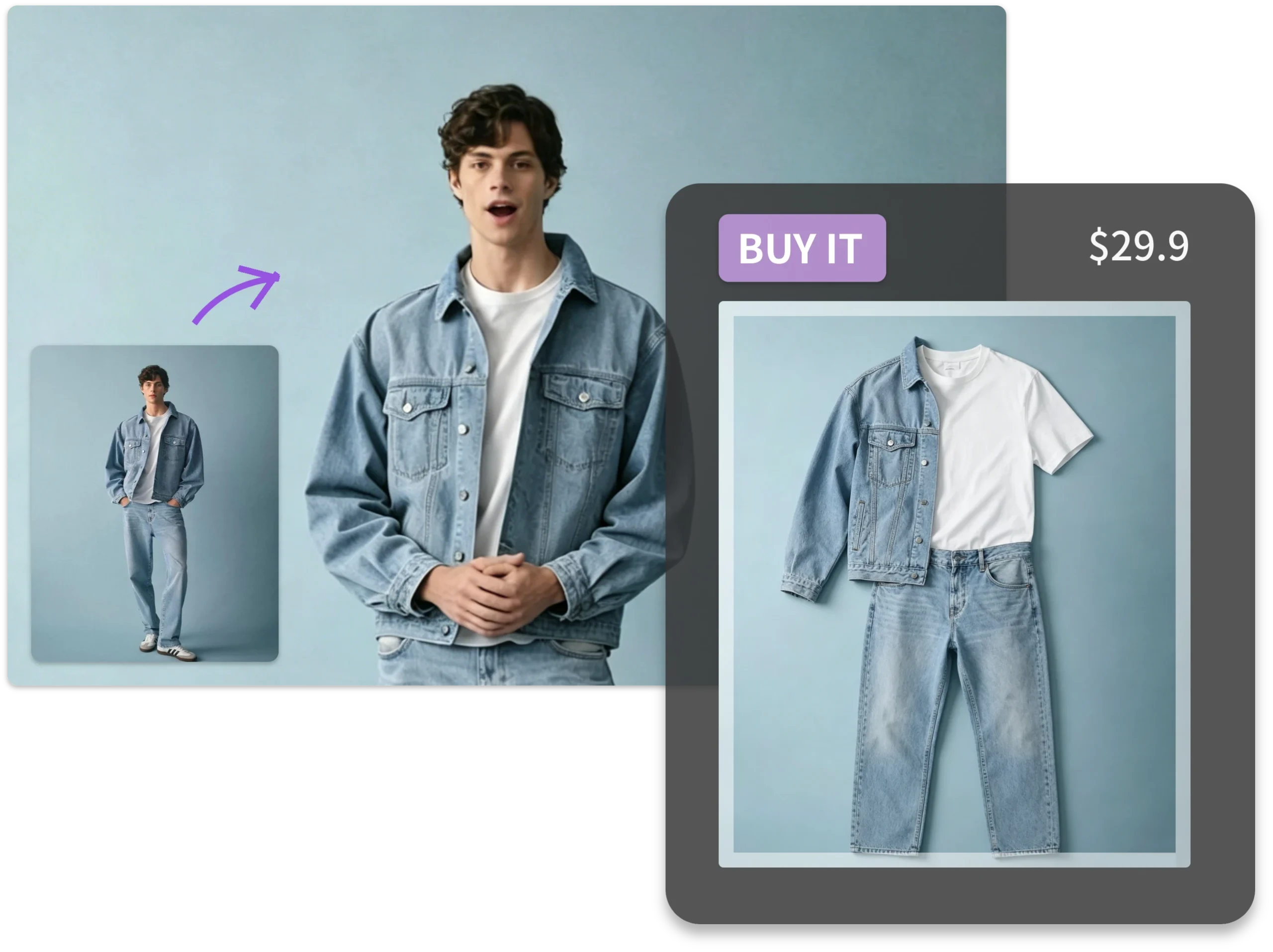
Use AI Talking Photo to Let Celebrities Present Your Product
Hiring influencers is expensive and time-consuming. With talking photo online tool, you can turn a photo into a spokesperson video instantly. Use ImageToVideoAI to create engaging product demos without filming.
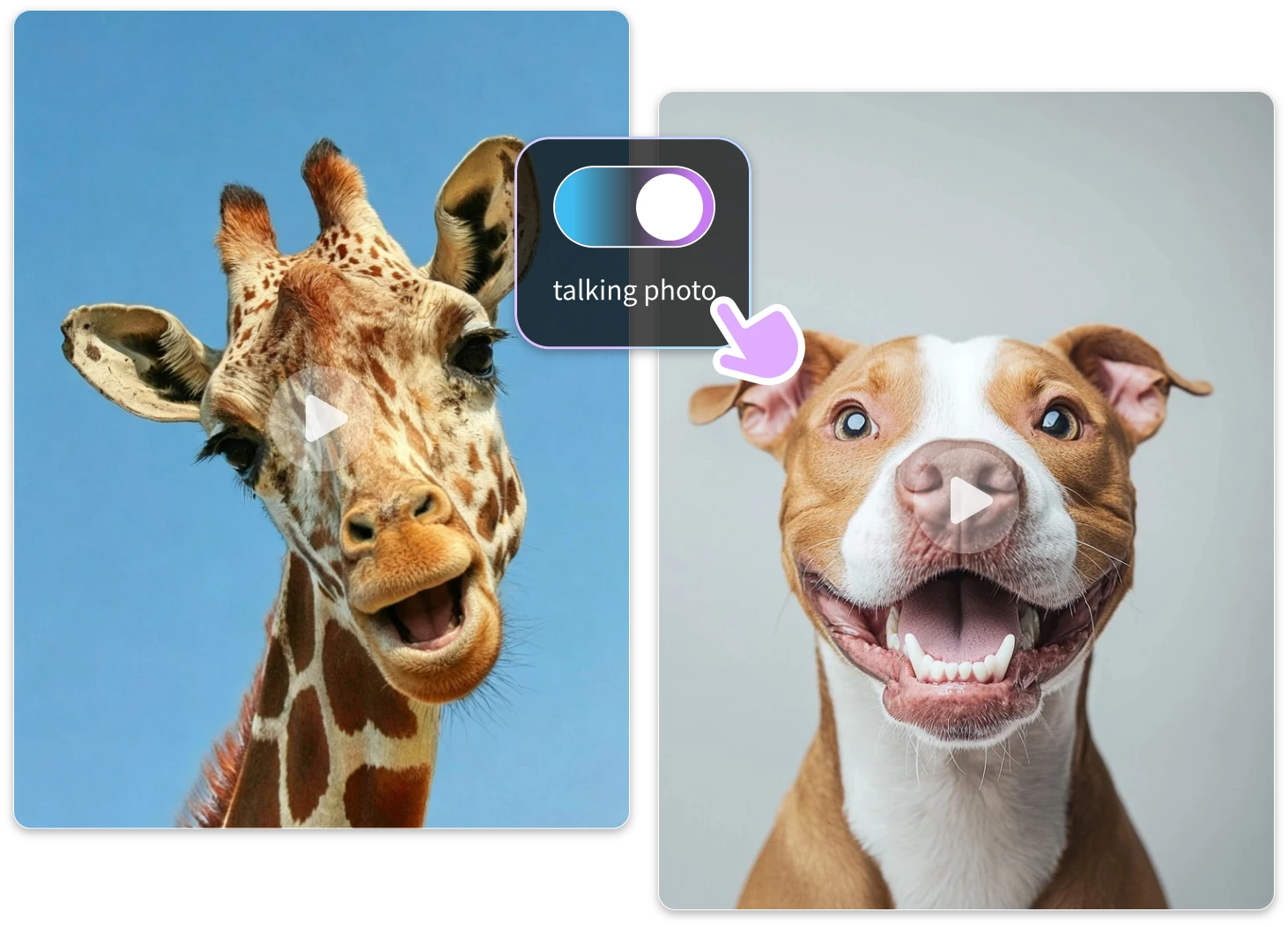
Make Funny AI Talking Photo Videos to Prank Your Friends
Static memes are boring. Use free AI talking photo to turn your friends’ photos into hilarious talking videos. Add funny scripts or voices and instantly share viral-worthy content via AI tools.
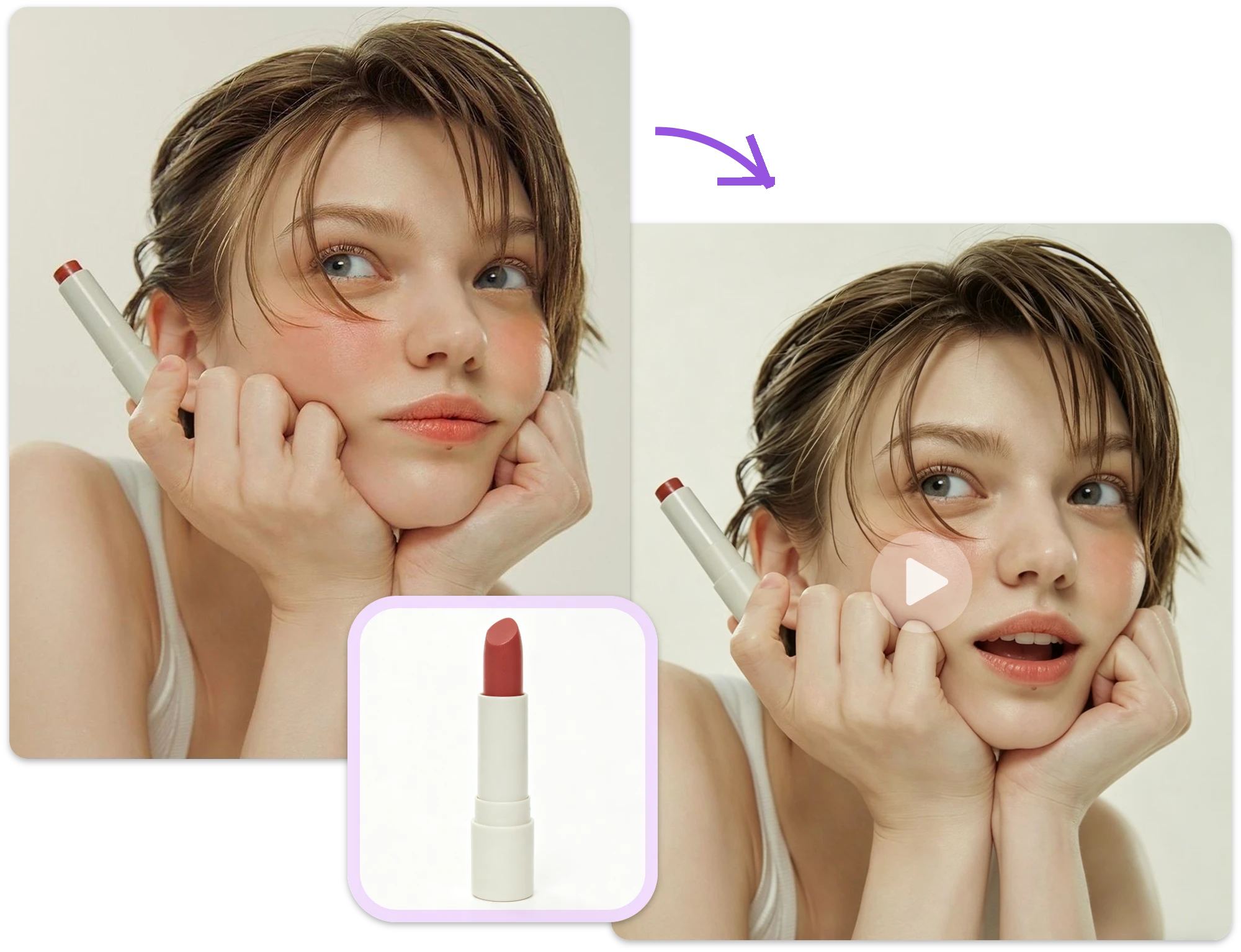
Turn Product Images into Viral Videos with AI Talking Photo
Struggling with low engagement on product images? With our ImageToVideo AI , you can turn any product photo into a dynamic video. Try our free talking photo generator to boost clicks, conversions, and social reach effortlessly.
Advantages of the Talking Photo Generator
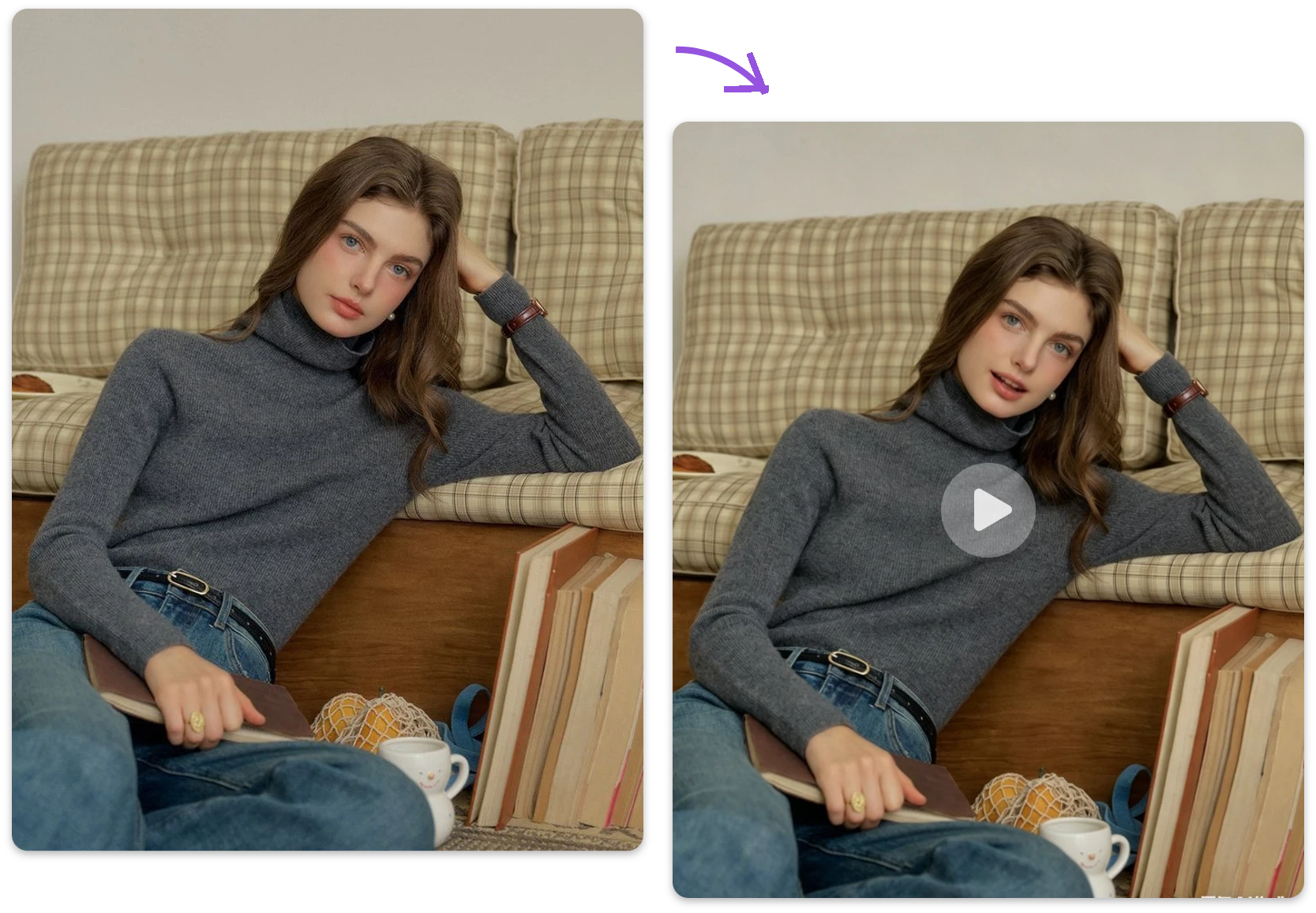
Realistic AI Talking Photo with Natural Expressions
Our AI Talking Photo Generator Free transforms any static image into a lifelike speaking avatar with just a few clicks. Powered by advanced text-to-speech and facial animation technology, it creates realistic lip-syncing, expressive facial movements, and smooth transitions—perfect for storytelling, education, or entertainment.
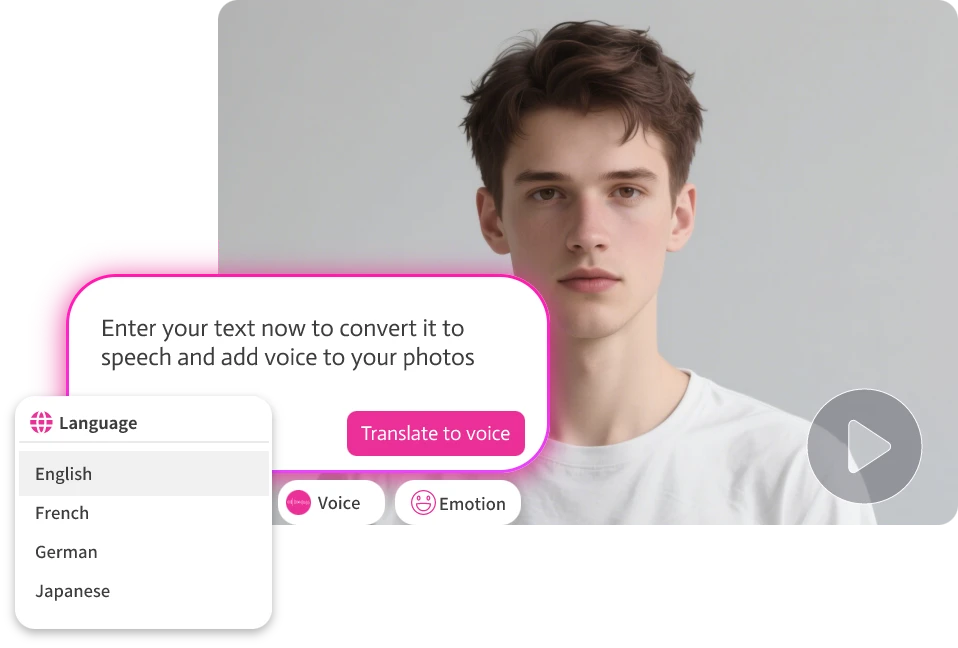
Make Your Avatar Speak in 100+ Languages
Whether you’re working with AI-generated voiceovers or your own recordings, our ImageToVideo AI adapts mouth movements automatically. The ImageToVideo AI works with any language or accent, making it ideal for international creators, teachers, marketers, or anyone who wants to animate talking characters with realistic lips and voice matching.
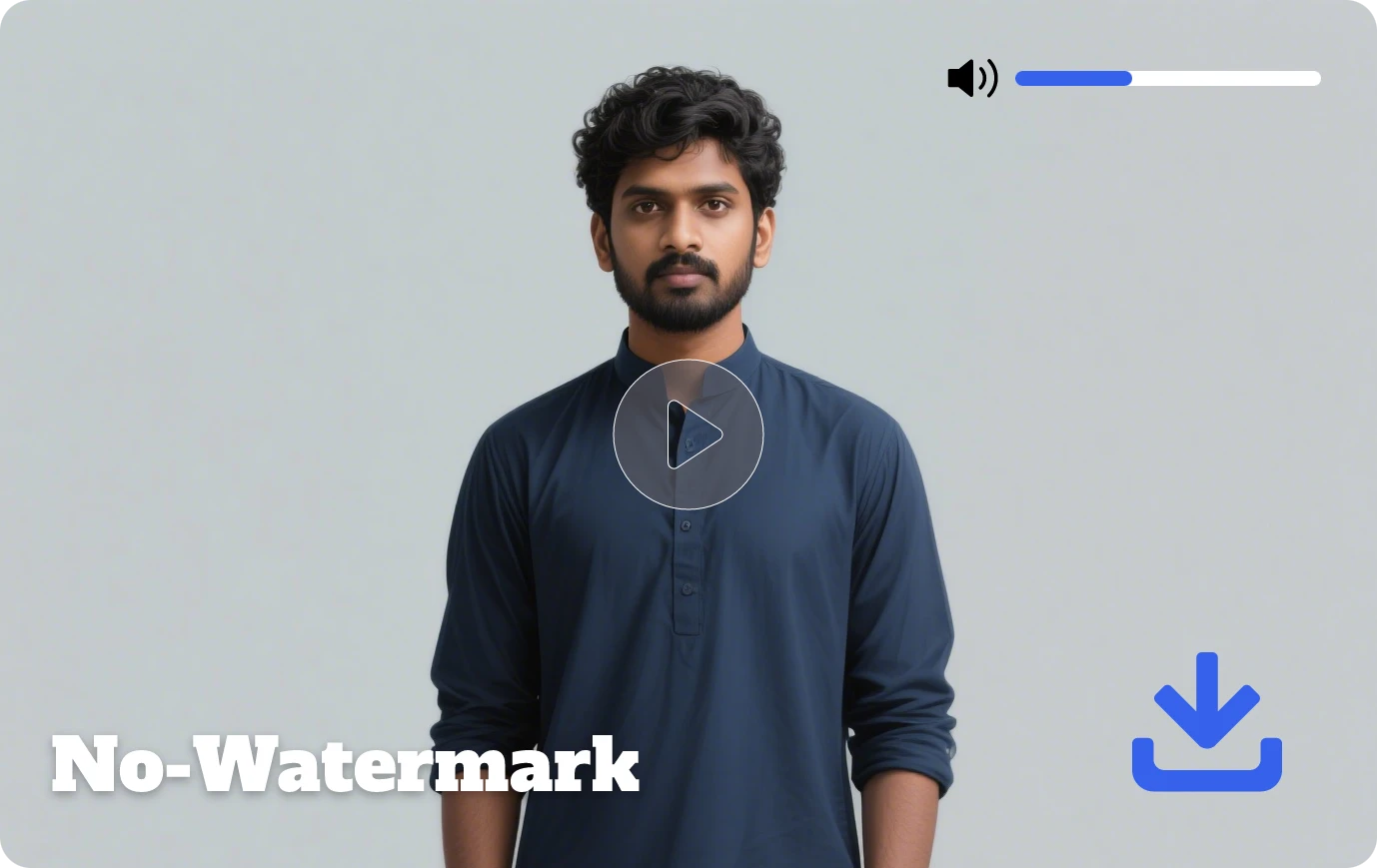
Free to Use — Download & Share Without Watermarks
With ImageToVideo AI, there are no hidden costs. You can generate talking photos for free, export them in HD without watermarks, and share instantly. Ideal for social media, video marketing, internal communication, or personal fun.
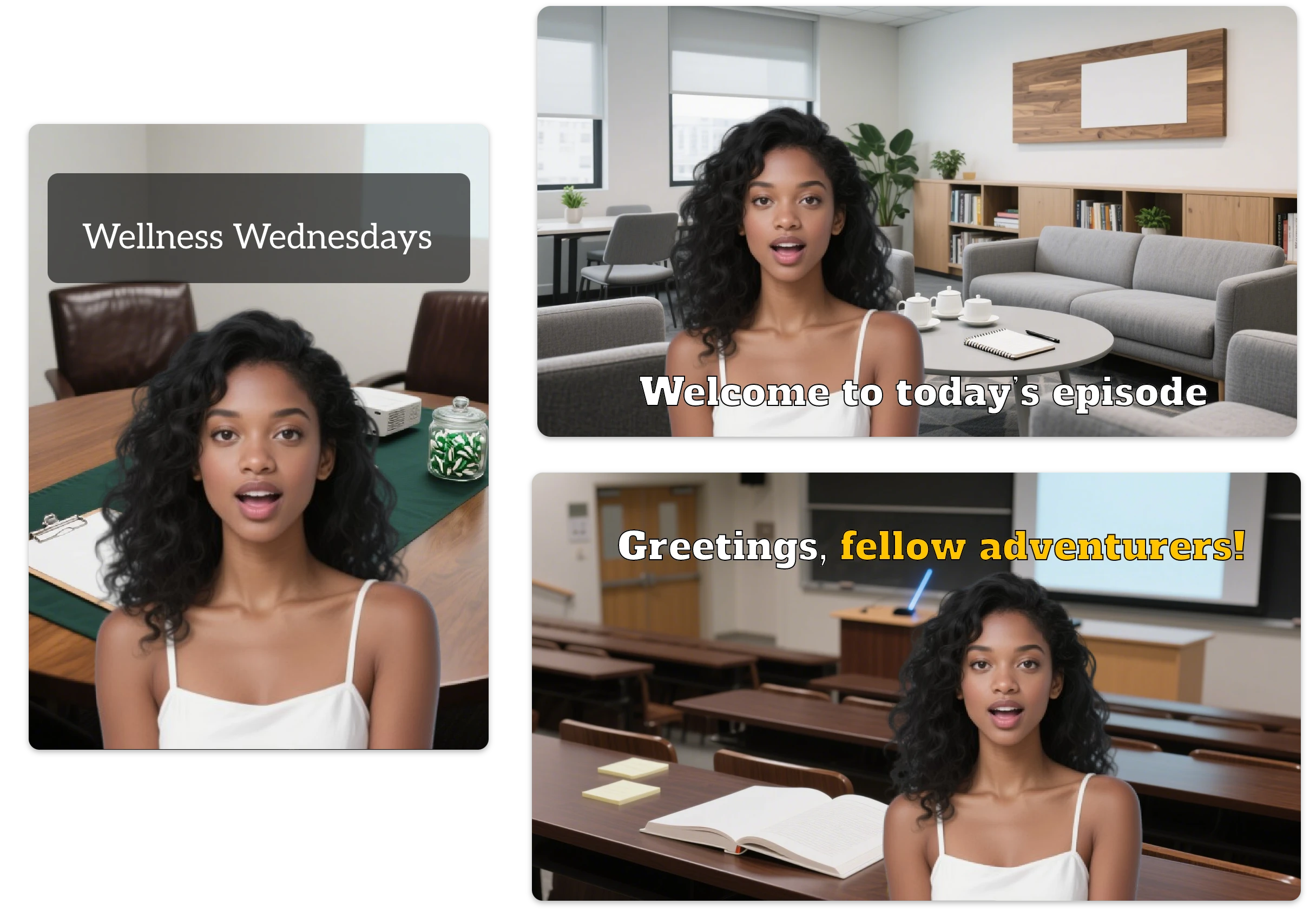
Create Talking Head Videos with Custom Avatars & Voiceovers
Whether it’s a portrait, AI-generated character, or cartoon-style face, our tool lets you convert any image into a talking head video. Personalize avatars, select from over 140 voices, or even upload your own voice for hyper-realistic results.
What creators Say About Our Free Talking Photo generator?
I tried several tools before, but this free AI talking photo platform is by far the easiest. The results look incredibly real, and the ImageToVideo AI feature helped me create engaging videos for social media in just minutes.
Emily Carter, Social Media Manager
This AI tool is a game changer for my marketing. I can turn simple images into videos without editing skills. Plus, the free AI talking photo option makes it perfect for small businesses like mine.
Daniel Lee, E-commerce Seller
I used this free AI tool for fun at first, but now I use it for content creation too. The AI talking photo online tool experience is smooth, fast, and surprisingly professional-looking every time I generate videos.
Sophia Martinez, Content Creator
FAQs about our online AI Talking Photo Generator
What is an AI Talking Photo Generator?
An AI Talking Photo Generator is a tool that animates a still image by syncing it with audio or text-to-speech, making it appear as if the photo is speaking.
Can I use this AI talking photo generator online for free?
Yes! ImageToVideo AI offers a free plan that lets you create and download HD talking photos with no watermark.
How do I turn my image into a talking avatar?
Simply upload your image, enter your script (or paste audio), select a voice or language, and click “Generate.” Our AI handles the rest in seconds.
Does this free AI talking photo tool support multiple languages and voices?
Absolutely. Choose from over 140 voices and languages with natural accents and expressive tone for a truly global reach.
Can I use talking photo videos for commercial purposes?
Yes. All content generated can be used commercially, whether it’s for marketing, training, or social media content.
How accurate is AI lip sync in talking photo tools?
Modern AI tools achieve 85%–95% lip-sync accuracy, depending on audio clarity and language. Clear voice input can improve synchronization quality by up to 30%, especially in English-based content.
How long does it take to create a talking photo video?
On average, generating a video with an AI tool takes under 1 minute. Uploading and setup usually take 10–20 seconds, while rendering takes 20–40 seconds, depending on server load.
What types of input does an AI talking photo tool support?
Our AI talking photo, script to video Al and audio to video features support JPG, and JPEG images, which must have a resolution of at least 720p and a clear view of a face. Our AI lip sync supports MP4, WebM, MOV and OGG files (max 100MB, 3minutes).
Make Your Photos Speak Today with Our AI Talking photo generator online!
Don’t settle for static content in a dynamic world. Use free AI tool to make memories, boost engagement, or elevate your storytelling. All it takes is one image and one idea.