

How to Use Audio to Video AI Step by Step
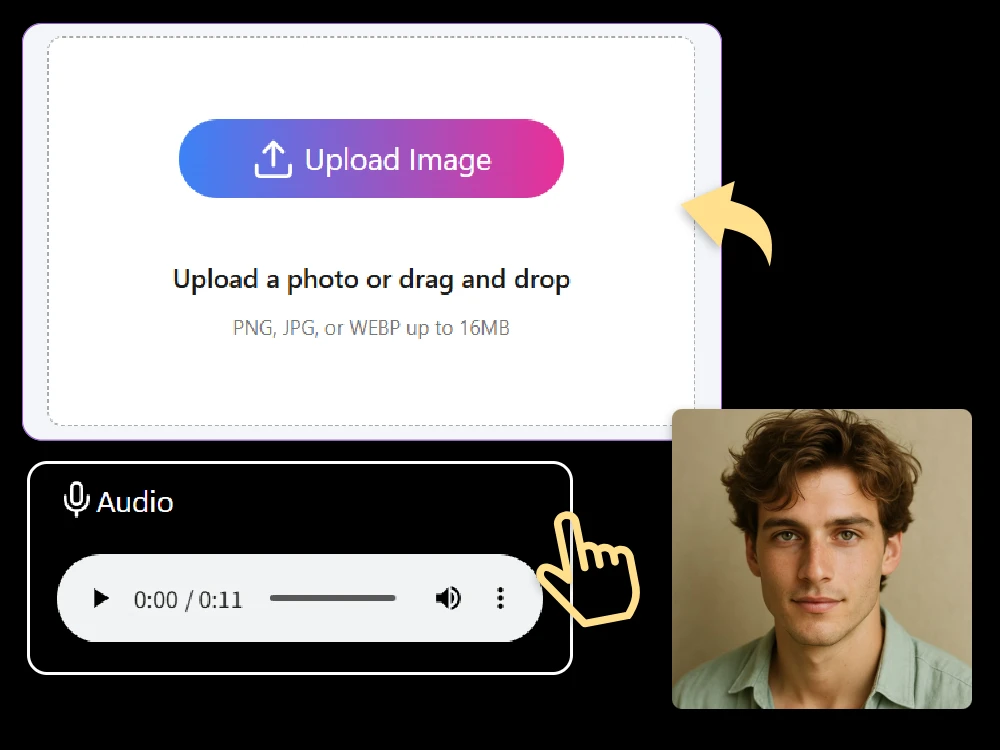
Step 1 Upload Your Audio
Choose your audio file — whether it’s a voice recording, song, or narration. You can also drag and drop it directly into the editor.
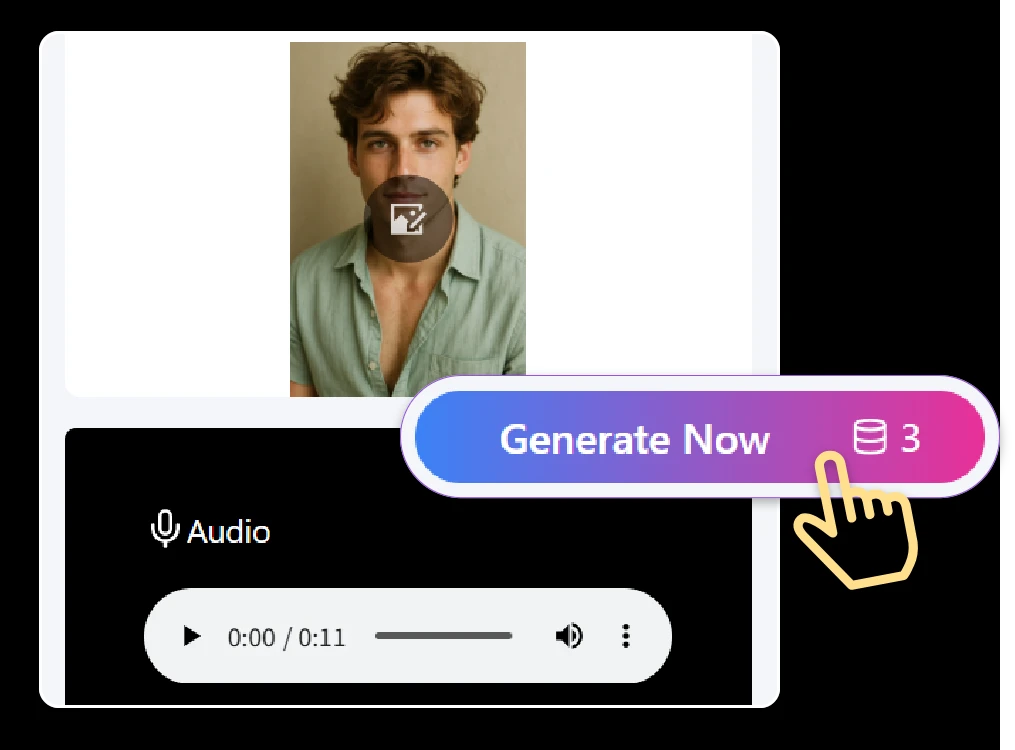
Step 2 Click “Generate”
Our AI will automatically analyze your audio and turn it into a lifelike video. In just seconds, you’ll see your sound come to life with stunning visuals.
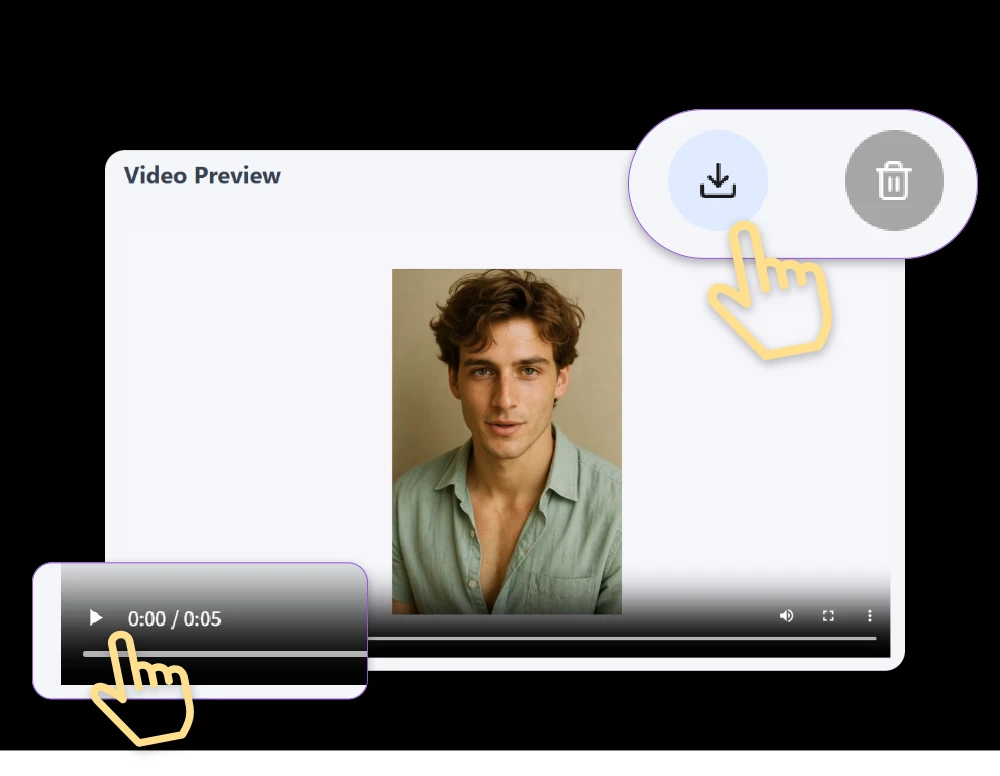
Step 3 Save & Download
Preview your result, make any quick edits if needed, then click “Download” to save your new AI-generated video to your device.
Explore Smart Features of Our Audio to Video AI
Boost E-commerce with AI Product Videos
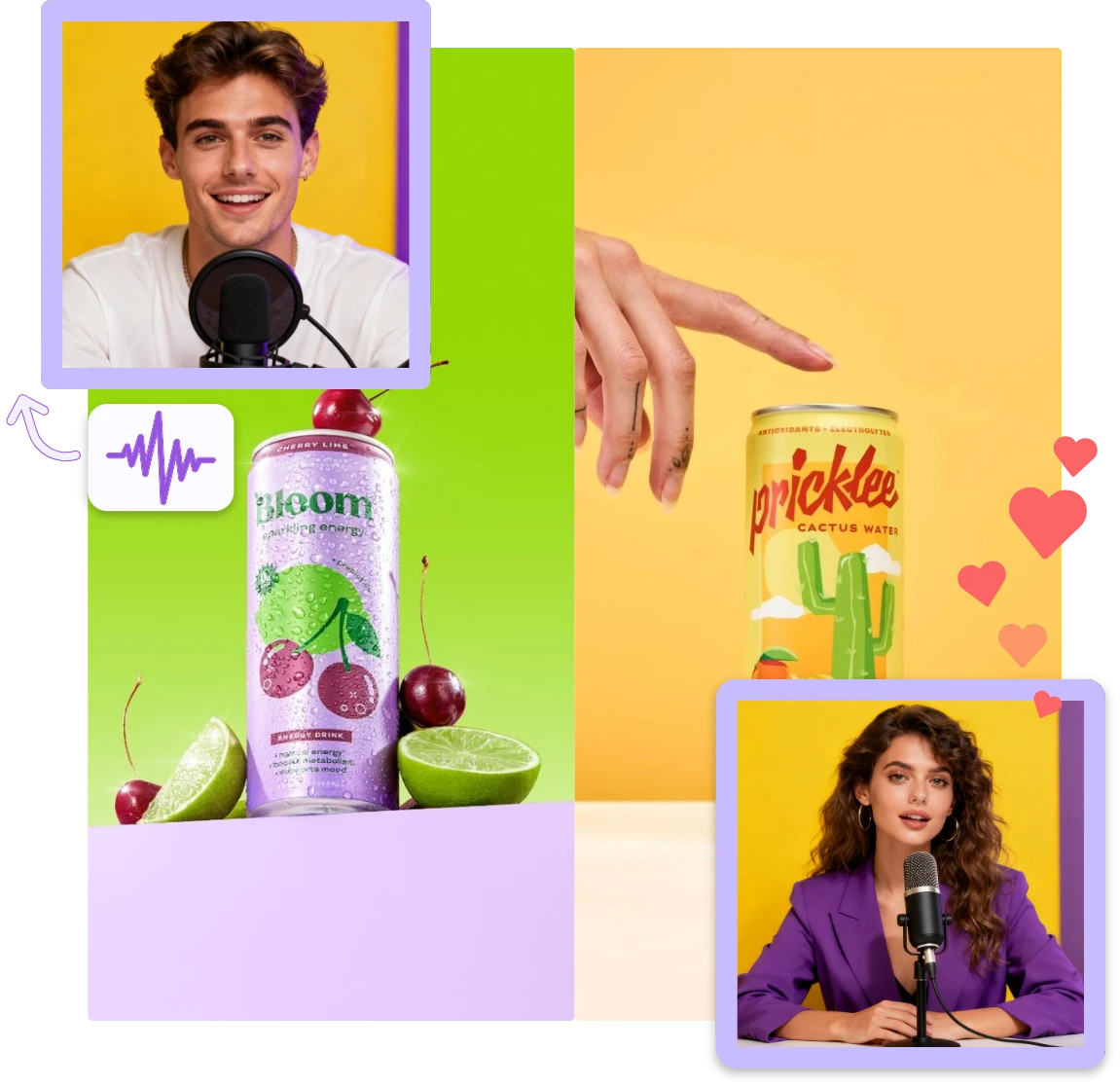
Transform your product descriptions or voiceovers into engaging AI videos. With Audio to Video AI, create realistic talking product demos that attract attention and drive more conversions — no camera or editing skills needed.
Create Viral and Authentic UGC Ads Effortlessly
Use our intuitive AI video editor to turn any user-generated audio or brand story into scroll-stopping content. Whether for TikTok, YouTube, or Instagram, Audio to Video AI helps you produce authentic, creative videos in minutes.
Built-In AI Video Editor for Easy Customization
Fine-tune your videos effortlessly with our AI video editor. Trim clips, add subtitles, apply filters, and choose backgrounds. You have full creative control without needing complex editing tools or technical knowledge.
Realistic Visual Animation and Emotion Control
Adjust emotions, expressions, and gestures to match your audio tone. The audio to video AI ensures your videos feel authentic, engaging, and perfectly synced with the message you want to deliver.
Fast Rendering and Cloud-Based Processing
Generate professional videos quickly with secure, cloud-based rendering. The AI video editor processes everything online — no downloads, no delays, just fast, efficient video creation from any device.
One-Click Export and Social Media Sharing
Once your video is ready, download it in HD or share directly on TikTok, Instagram, YouTube, and more. The audio to video AI makes sharing your creations simple, helping you reach a wider audience instantly.
Real-World Use Cases of Audio to Video AI
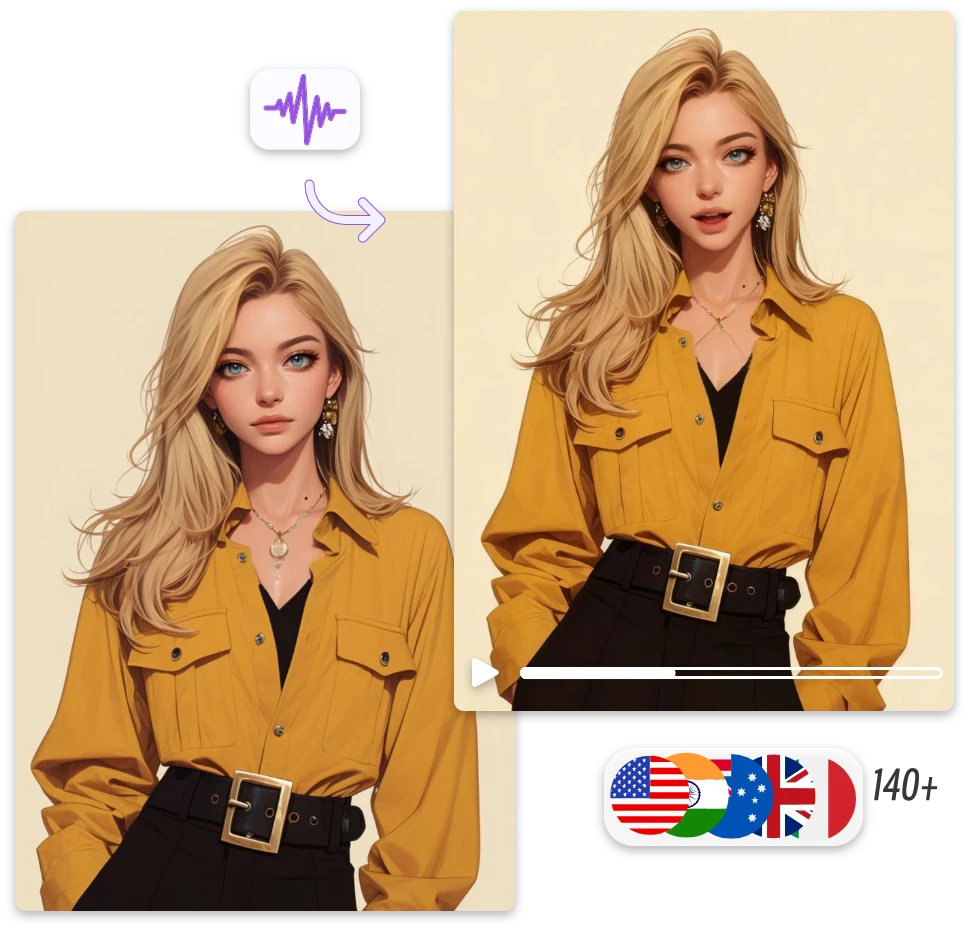
Speak Every Language — Multilingual AI Video Creation
Audio to video AI supports multiple languages, making global communication effortless. Whether you speak English, Spanish, Japanese, or Hindi, the system automatically syncs lip movements and expressions for accurate, natural speech animation. With our AI video editor, you can easily customize subtitles, voice tones, and visuals to fit international audiences.
Choose Any Character — Human or Animal Avatars
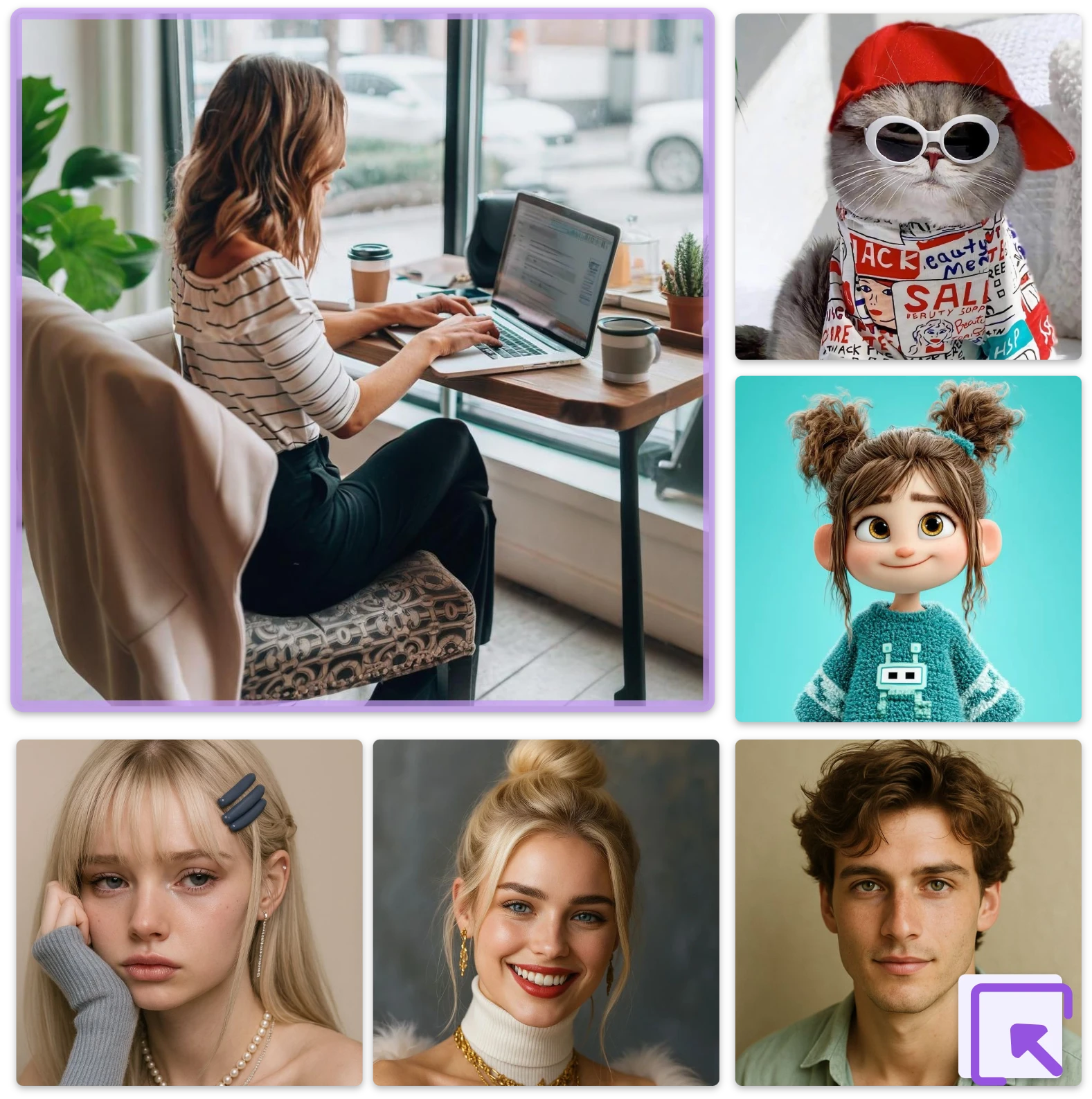
Bring any clear portrait to life — person, cartoon, or even animal — using audio to video AI. Upload your photo and watch it move, speak, and express emotions naturally. Perfect for storytelling, memes, or creative projects, our AI video editor lets you refine every detail to make your avatar look authentic and engaging.
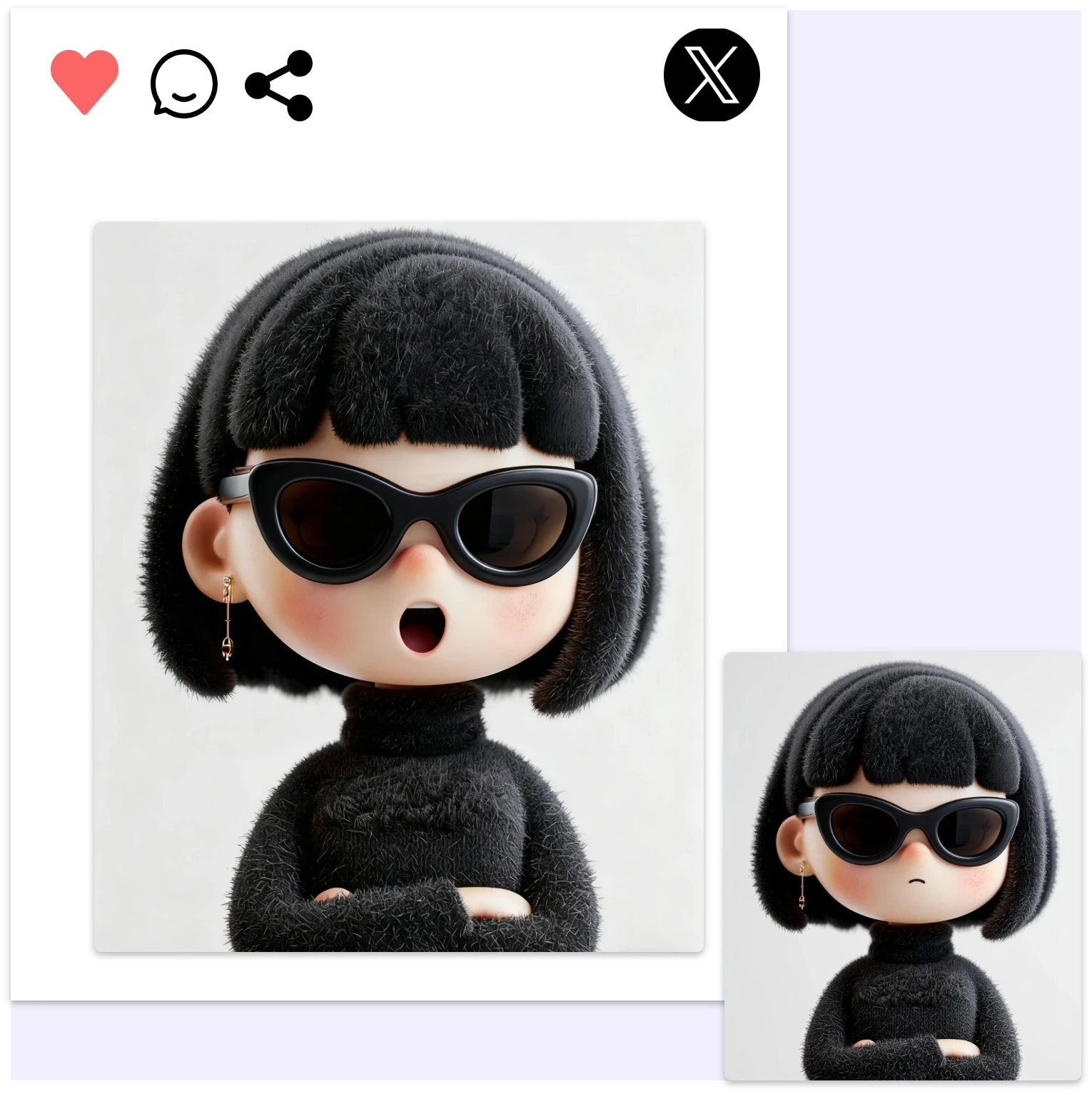
Stay Anonymous — Create Videos Without Showing Your Face
Want to be a content creator but value privacy? Use audio to video AI to make talking videos without revealing your face. Choose avatars, stock photos, or animations to represent you. With our AI video editor, you can build your brand and connect with followers easily while staying completely anonymous.
Tell Magical Stories — Add Voice to Your ASMR Dreams
Turn your soothing audio into relaxing bedtime visuals with audio to video AI. Whether it’s ASMR, narration, or ambient sound, you can transform it into dreamy, immersive videos. Use the AI video editor to enhance your content with gentle motion, soft lighting, and emotional expression for ultimate calmness.
Engage Audiences with Authentic UGC & E-commerce Videos
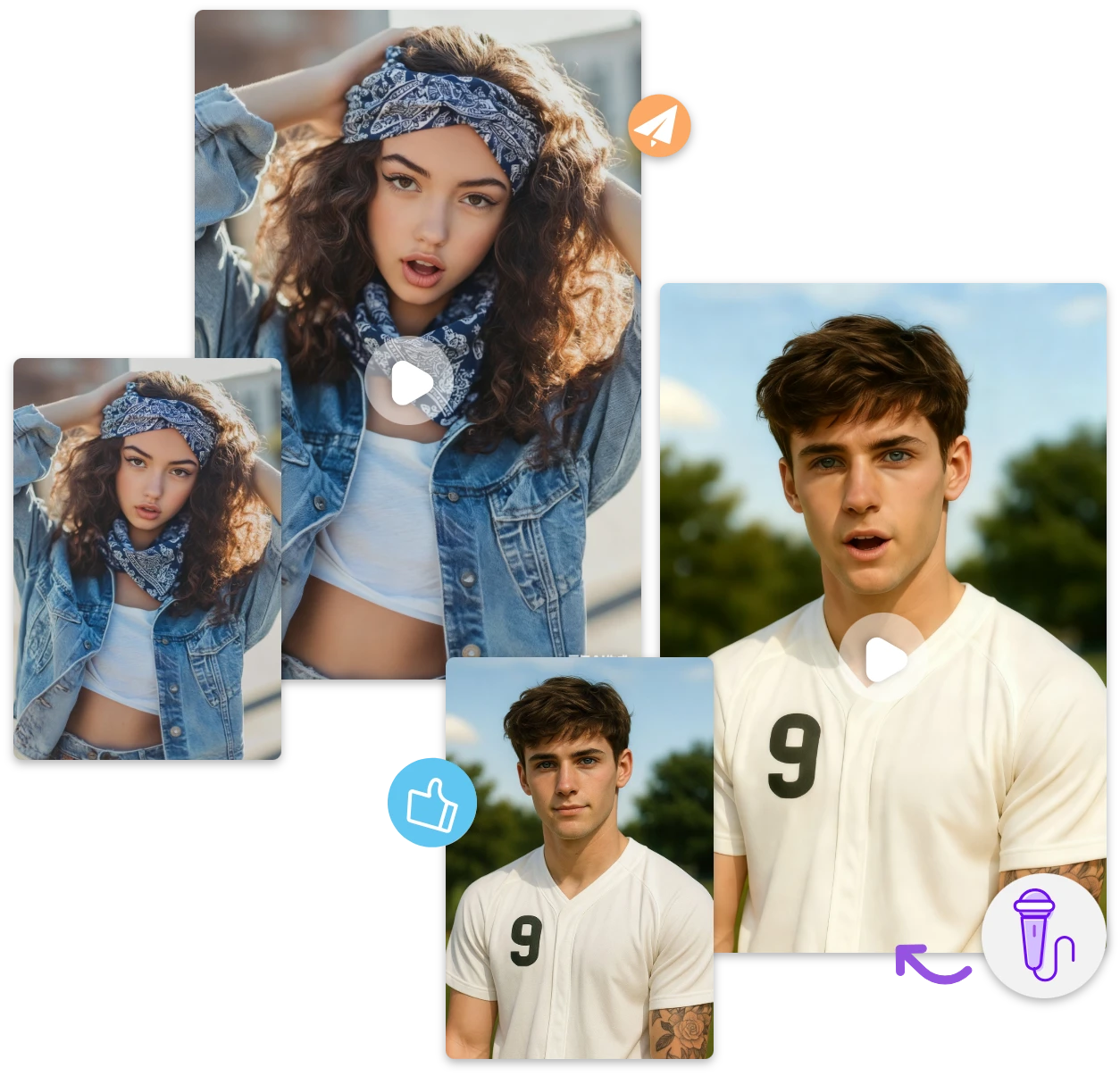
Leverage Audio to Video AI to transform product reviews, testimonials, or influencer scripts into lifelike talking videos. Perfect for e-commerce brands and content creators who want to build trust and boost engagement. Make every story feel personal and authentic—without the need for filming or editing skills.
Frequently Asked Questions About Audio to Video AI
What Can You Do with Audio to Video AI?
With audio to video AI, you can transform any sound—your voice, a podcast, or music—into realistic animated videos. The tool synchronizes lip movements, emotions, and gestures automatically. Using the built-in AI video editor, you can refine visuals, add subtitles, or change backgrounds to create professional-quality videos effortlessly.
Is Audio to Video AI Free or Paid?
Yes, you can start using audio to video AI for free with essential features like short video creation and basic customization. For longer videos, HD quality, and full AI video editor access, you can upgrade to a premium plan anytime. The free version is perfect for testing the tool before committing.
How to Animate Your Own Photo or Avatar with Audio to Video AI?
It’s simple! Upload any clear portrait, illustration, or even animal image, and the audio to video AI will instantly animate it with natural lip-sync and facial expressions. With the AI video editor, you can adjust gestures, camera angles, and effects to make your avatar look exactly how you want.
How Fast Does Audio to Video AI Create Videos?
Our audio to video AI generates videos in just a few minutes. The process happens in the cloud, so you don’t need to install any software or wait for long rendering times. The AI video editor ensures smooth performance, letting you preview, edit, and export your videos quickly and efficiently.
Can I Share AI Videos on TikTok, YouTube, or Instagram?
Absolutely! After creating your video, you can export it in multiple aspect ratios optimized for social media. The audio to video AI and AI video editor make sharing effortless—just one click to publish your video directly to TikTok, Instagram, or YouTube and boost your audience engagement instantly.
Is It Safe to Upload Audio and Images to Audio to Video AI?
Yes, your privacy is always protected. All files uploaded to audio to video AI are encrypted and processed securely on our servers. After video generation, your data is automatically deleted. Our AI video editor and system fully comply with global privacy and security standards, keeping your content safe.
Still Have Questions? Try It Yourself!
Experience the power of audio to video AI firsthand — no complicated setup or editing skills needed. Our AI video editor makes it easy to transform your voice or music into stunning, lifelike videos in just minutes. Discover how simple professional video creation can be.
What Users Say About Our Audio to Video AI
Audio to Video AI completely changed how I create content. I just upload my voice, and within minutes, I get a professional-looking video. The AI video editor is intuitive and gives me full control over the visuals. My social media engagement has skyrocketed since I started using it.

Sarsh S.
As a teacher, I needed a way to make my audio lectures more engaging. This tool allowed me to create talking avatars and visual lessons effortlessly. The audio to video AI makes it so easy to turn my recordings into dynamic content, saving me hours.

Jack M.
I’ve tried many AI video tools, but this is by far the most user-friendly. Uploading audio and customizing talking photos is simple. The AI video editor provides options for backgrounds, gestures, and even lip-syncing, giving me complete creative freedom.

Rose K.
Bring Your Voice to Life — Start Creating Today
Turn your audio into stunning, lifelike videos with the power of audio to video AI.