
How to turn image to video with AI in seconds?
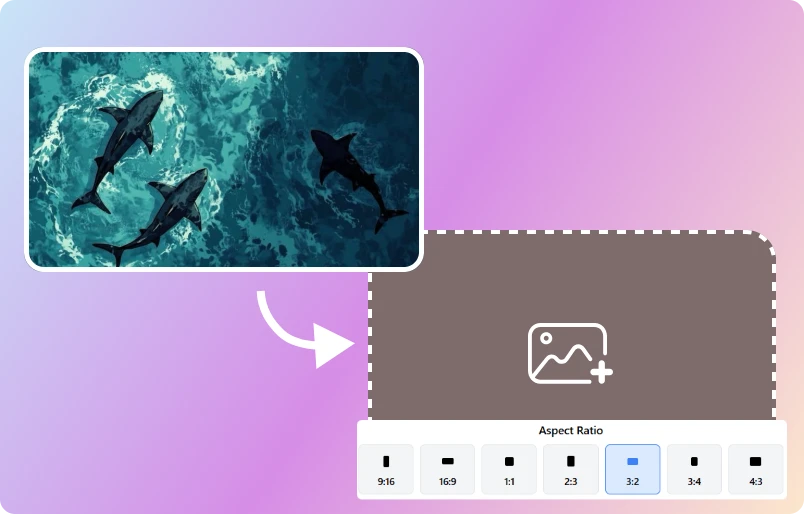
Step 1 Upload & Crop An Image
Visit Image to Video AI Generator website of ImageToVideo AI, upload an image that you want to convert into a video, and quickly crop the image to fit the dimensions of your video. ImageToVideo AI supports .jpg, .png, and .webp formats.
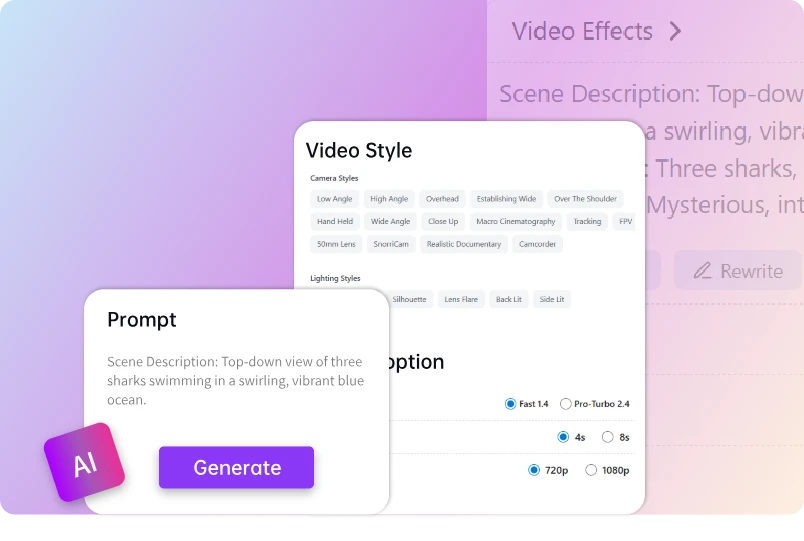
Step 2 Input Your Ideas & Adjust custom options
Enter your video creative prompt, or let AI help you optimize the content of the instructions. In addition, you can also customize the AI model level, video resolution, and video duration.
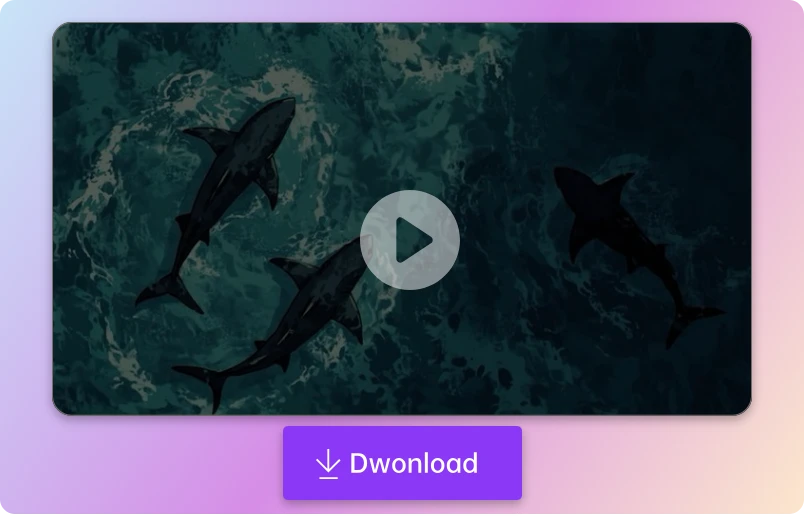
Step 3 Download Video without watermark
Please wait a moment, and ImageToVideo AI will bring your image to MP4 video. You can download the video to your device at any time.
Easily create imaginative Videos with image to video AI free tool
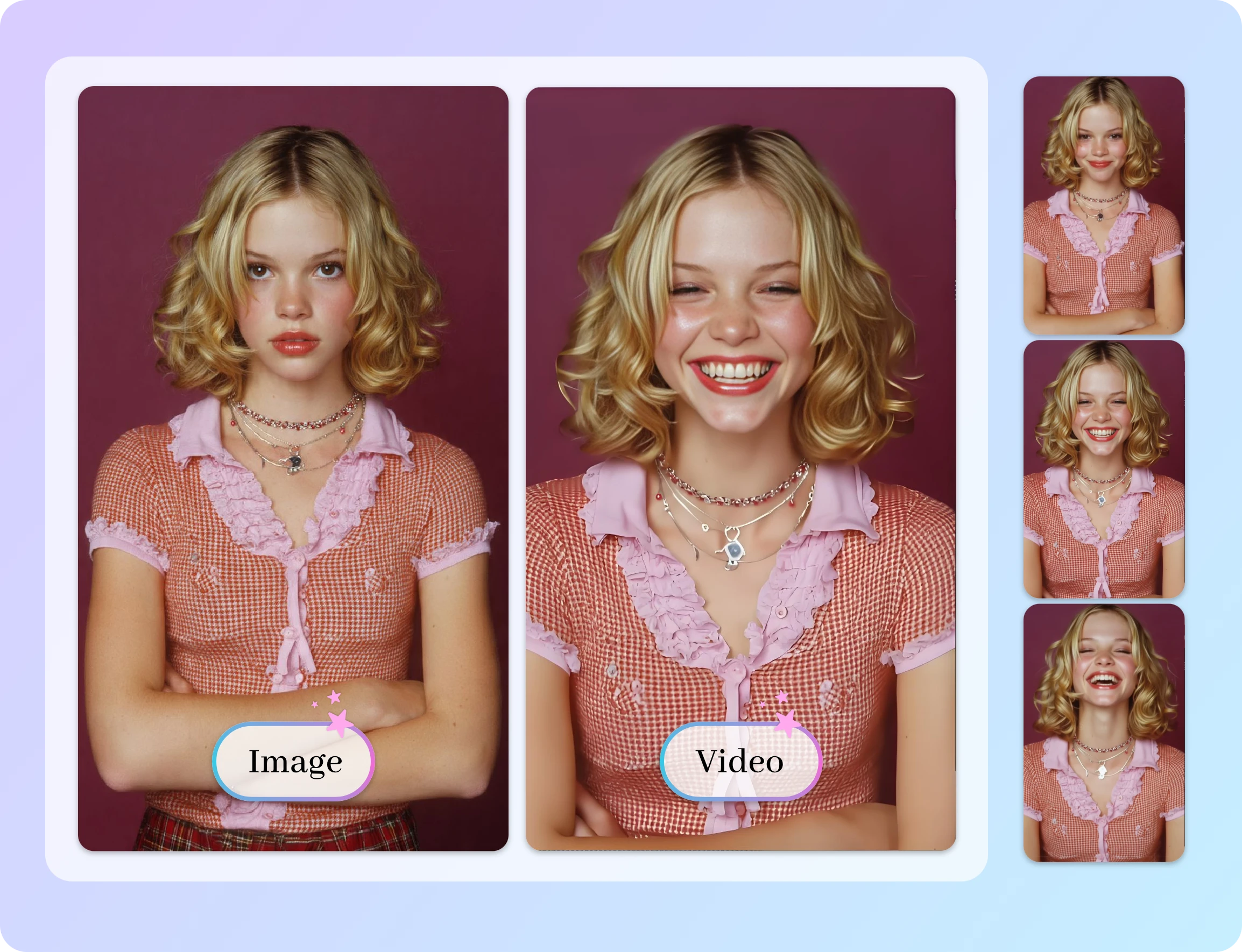
Animate Your Images with Image to Video free tool – Bring Photos to Life in Seconds
Animate your photos in seconds with Image to Video AI free unlimited tool powered by advanced in-house models. Turn ideas into motion using custom prompts or choose from 50+ built-in templates. Thousands of creators use our AI to bring images to life, with many growing over 10K followers by posting dynamic, eye-catching videos generated directly from images.
Human-Realistic Quality – Full Control Over Resolution & Models
Create smooth, natural videos using Image to Video AI free tool by freely adjusting duration (5s or 10s), resolution (720p or 1080p), and AI models including Basic 1.0, Fast 1.4, and Pro-Turbo 2.5. Mix and match settings to control pacing, motion intensity, and visual quality for videos that feel realistic and engaging.
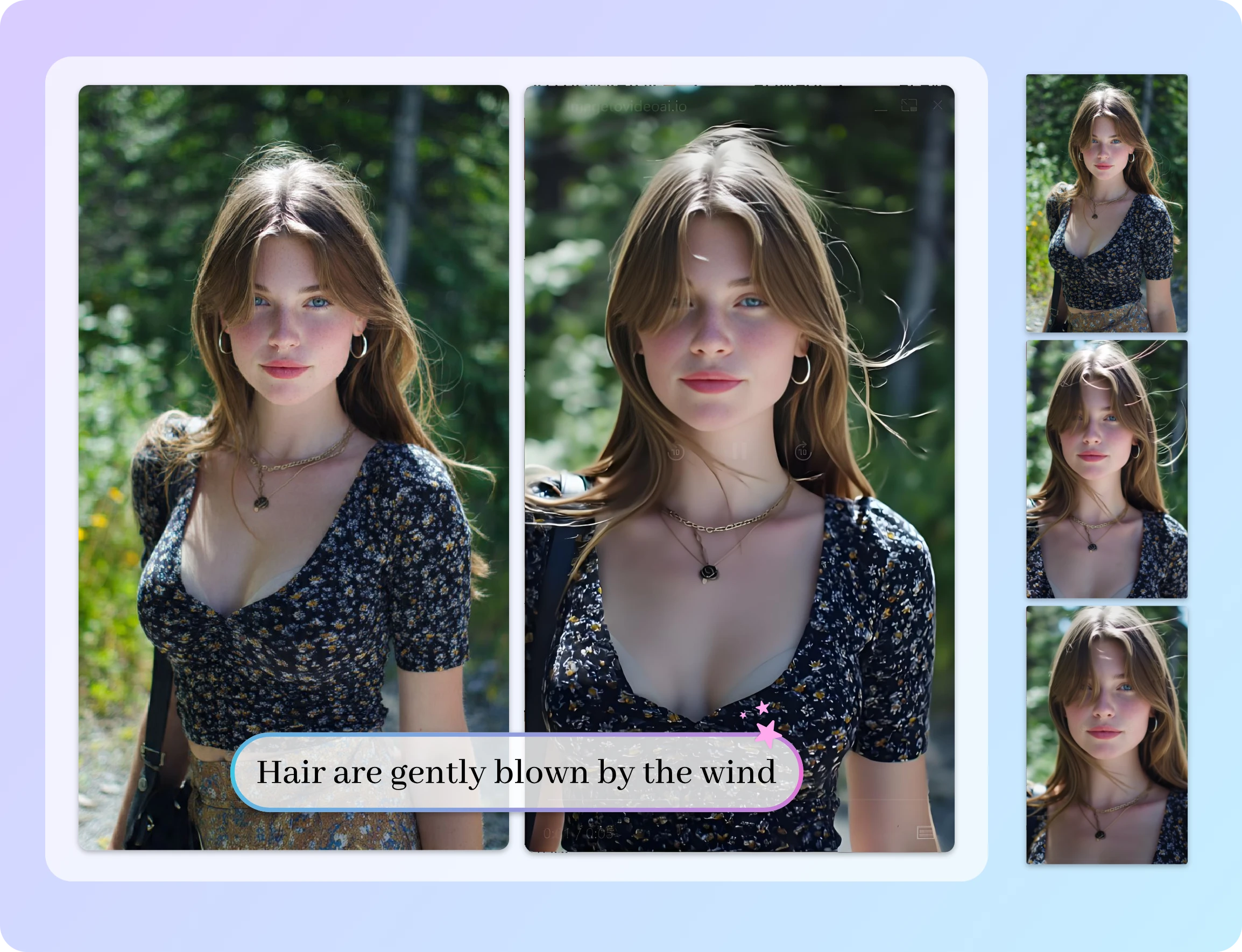
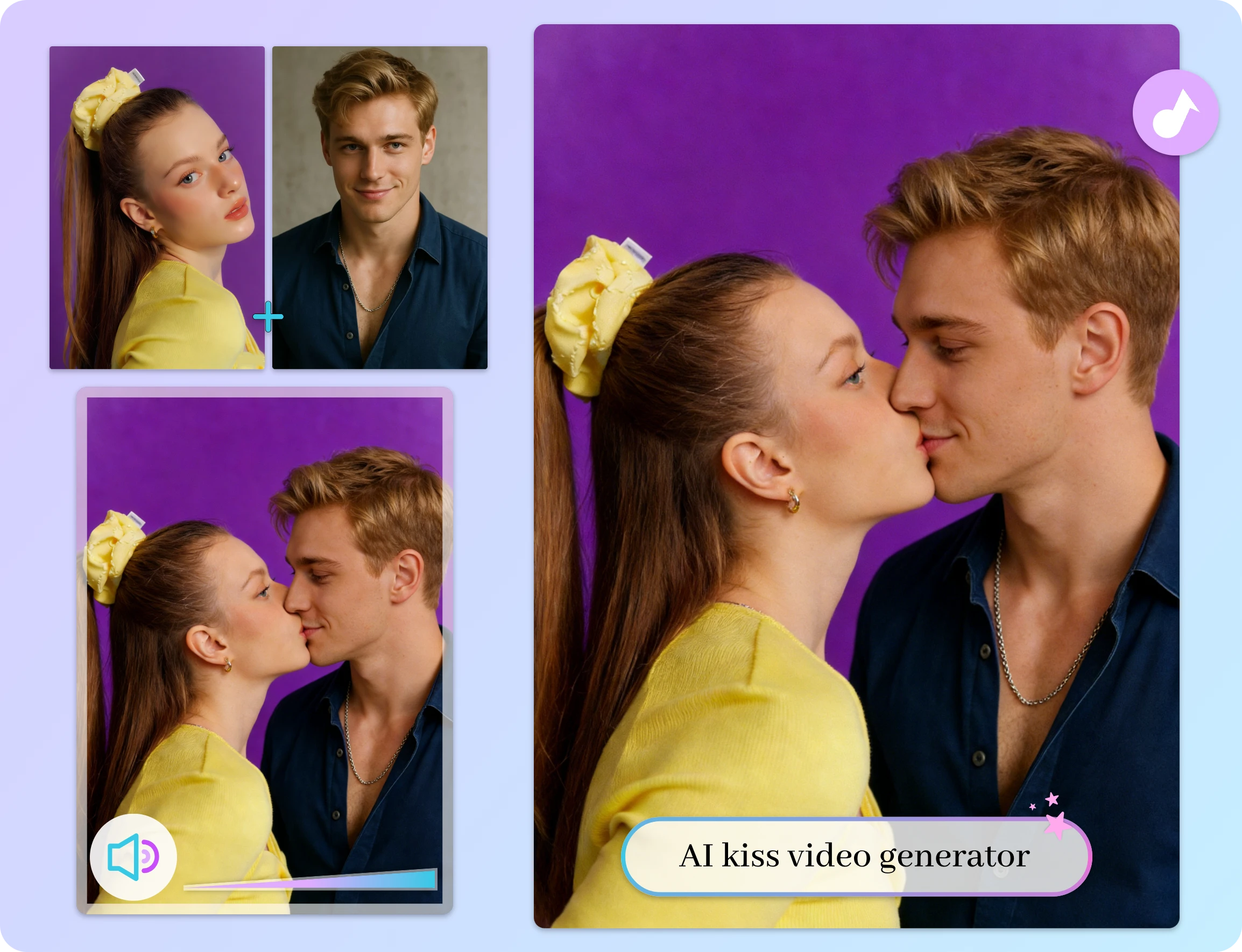
Cinematic photo to Video AI with Audio – Create Immersive Videos with AI Music
Enhance your visuals with Image to Video free tool that supports optional AI-generated background music. Combine motion, timing, and sound to create cinematic short videos that feel immersive and polished. Whether for social content, promos, or creative storytelling, audio adds emotional depth and makes your AI-generated videos more impactful.
Turn Images into Viral Social Videos – Built for Reels, Trends, and Engagement
Create scroll-stopping content using templates inspired by trending social formats. Convert photo to video online. From AI Reel templates designed for Instagram to viral styles like dance, kiss, and twerk, our library is constantly updated based on what’s performing now. Start with a trial and publish content built to attract views and engagement.
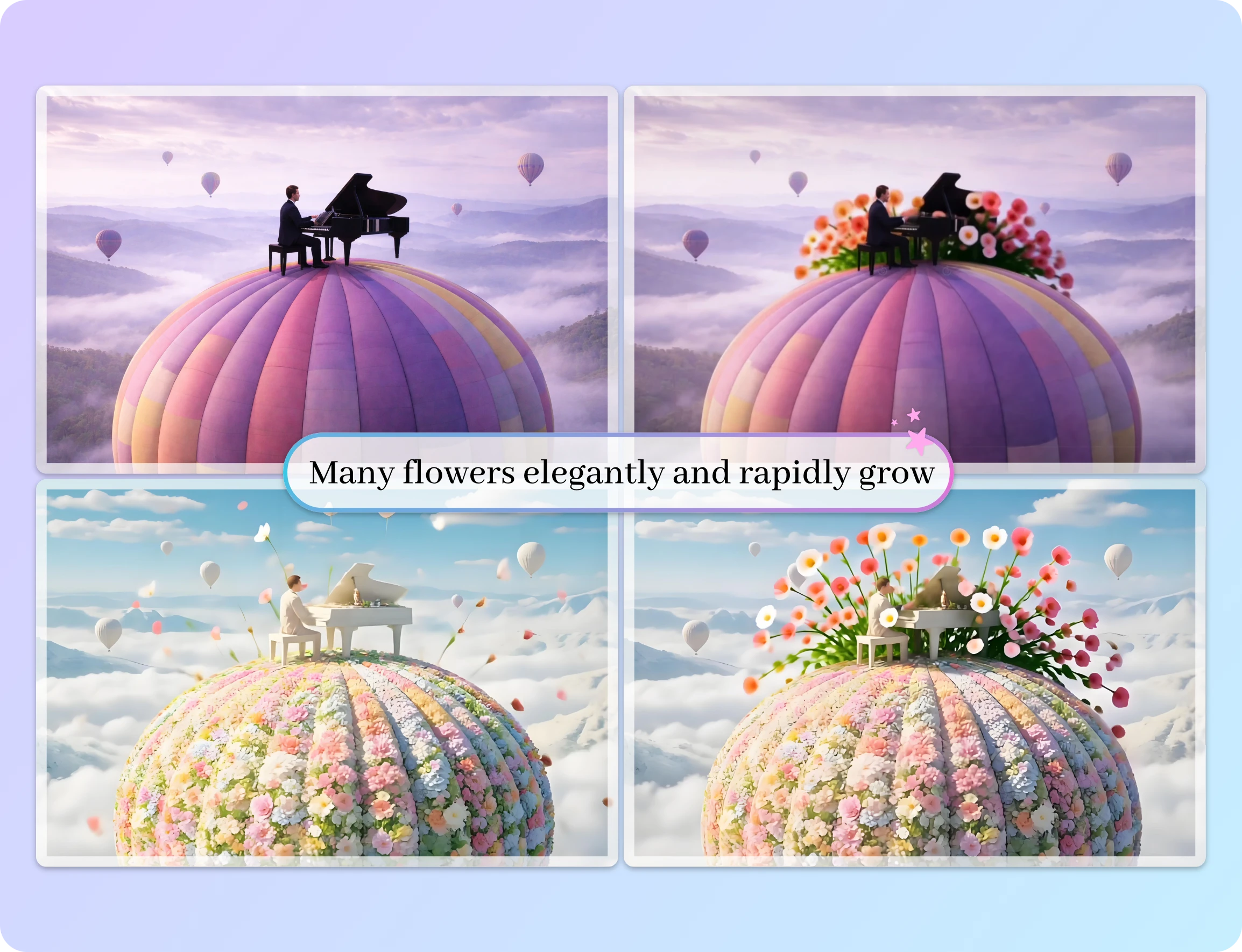
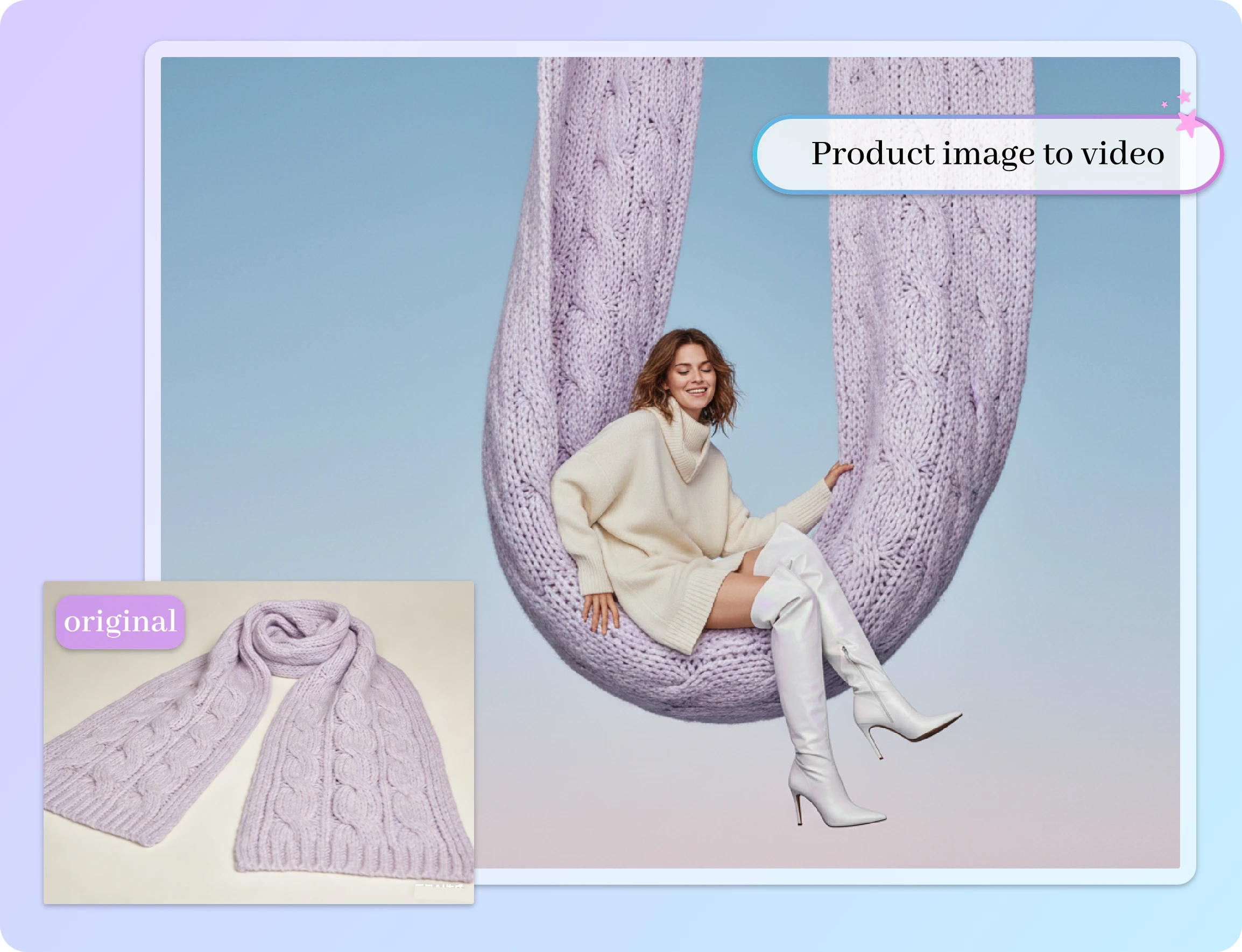
All in One AI video generator Platform – Image, Text, Video To Video & 50+ Templates
With image to video AI free generator, everything you need lives in one place. Choose from 50+ templates, such as AI kiss , AI twerk and AI product, generate videos from images, edit visuals with AI image tools, or create AI avatar videos. From idea to final output, our platform covers multiple AI workflows so creators don’t need to switch between different tools.
Scale Content Across Every Platform – Resize, Generate, and Publish with Ease
AI Image to Video generator free includes built-in cropping tools so you can resize images before generation. Easily adapt visuals to 2:3, 16:9, and other ratios without extra editing. Generate videos ready for TikTok, Instagram, YouTube, or ads—upload once, customize format, and publish everywhere without additional processing.
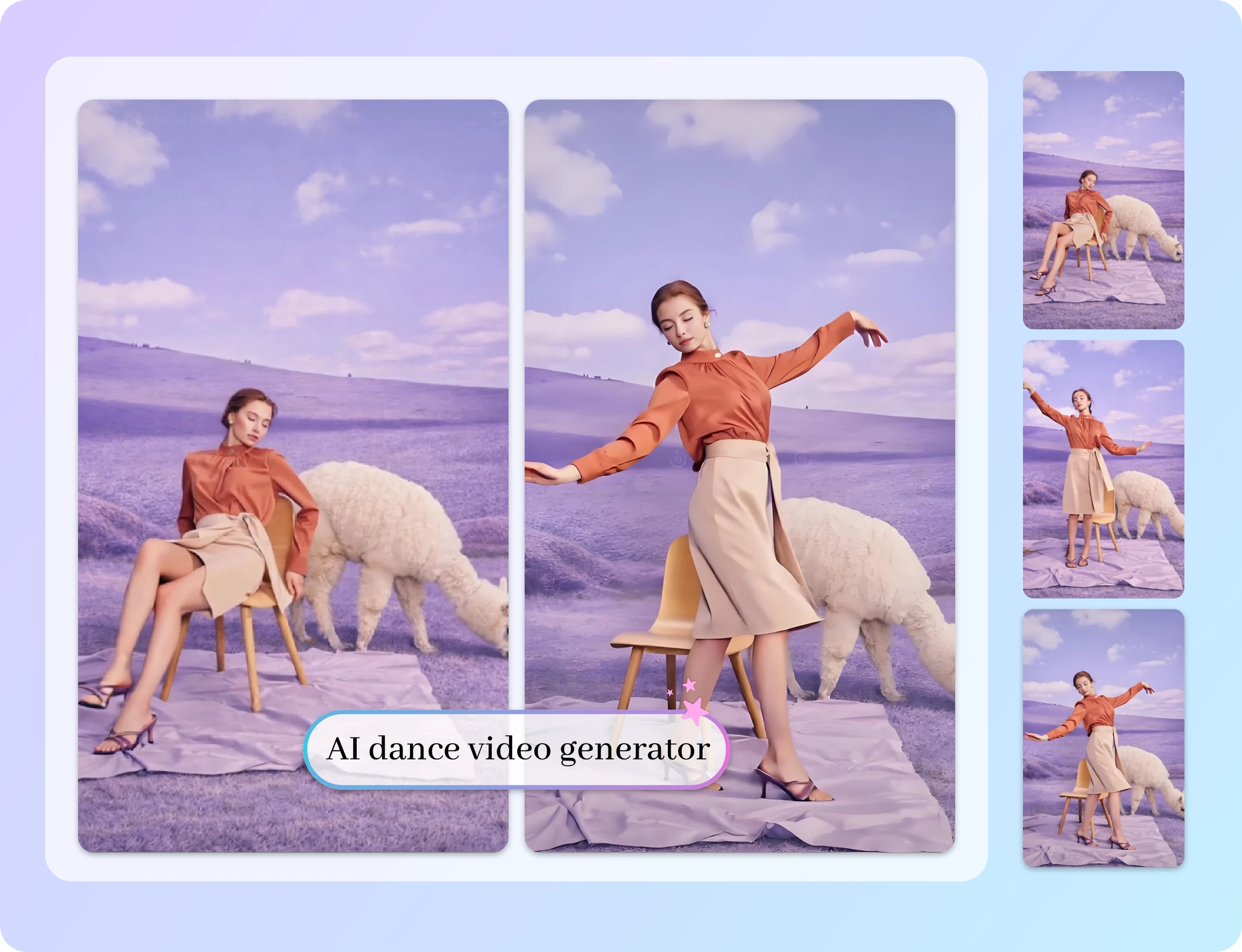
Why ImageToVideo AI is the Best Image to Video AI Technology?
Friendly Image to Video AI Free Unlimited Generator Interface
You just need to input text and upload images to generate amazing videos using AI Image to Video generator.
Secure AI Image to Video Generator Free with Privacy Protection
We guarantee the security of all user information, so you don’ t need to worry about data being leaked.
Export HD Videos with No Watermark Using Image to Video Free generator
You will receive high-quality AI videos and save the watermark-free version to your device.
50+ Templates to Convert Photo to Video Faster
You can quickly choose from popular AI video templates available on the internet to generate videos rapidly.
Photo to Video AI Free Online Tool Supporting Multiple Formats
You can upload popular image formats such as PNG, JPG, and WEBP, and convert them into MP4 format videos.
Flexible Effects with Image to Video AI Free Technology
With your creative ideas, advanced AI video processing technology will present you with video effects that best match your creative vision.
Trusted Image to Video AI Results from the Past 30 Days, Shaped by Everyday Creative Use
What Our Customers Say about Image to Video Free generator?
I recently used AI Image to Video generator to turn my travel photos into a fantastic video. The process was very simple—just upload the images, choose a template, and within a few minutes, I had a perfectly presented short film!

Sophie Dubois
As a content creator, I often need to convert pictures into videos to attract viewers. This AI Image to Video generator saved me a lot of hassle, with a user-friendly interface and powerful features. I sincerely thank this platform!

Ahmed Khan
I made a memory video of a family gathering on this Image to Video AI free generator, and the whole process was very smooth! After uploading the pictures, I chose some cute animation effects, and the result was a video that looked both professional and fun.

Fatima El-Hassan
FAQ of image to video AI unlimited tool
What is ImageToVideo AI?
ImageToVideo AI is an AI-powered tool that transforms static images into high-quality MP4 videos using advanced generative models. Simply upload an image, enter your creative prompt, and the AI generates a dynamic video with smooth motion and optional effects.
Can AI turn a photo into a video?
Yes. AI can turn a photo into a video by analyzing the image content and applying motion, depth, and animation effects using image to video AI technology. By uploading a photo and optionally adding prompts or effects, AI generates short videos that feel dynamic and lifelike — without manual editing.
What is the best AI image to video generator?
The best free AI image to video tool should offer flexible models, clear output quality, and easy controls. ImageToVideo AI provides a free image to video generator with multiple AI models to match different needs:
Basic 1.0: 5s video · 720p resolution — ideal for quick previews
Fast 1.4: 5s or 10s · up to 1080p — best balance of speed and quality
Pro-Turbo 2.5: 5s or 10s · 1080p output — designed for high-quality, professional results
How long does it take to generate a video?
Video generation time varies based on choices like resolution and duration, but most videos are produced within minutes after you submit your input.
Can I download videos without watermarks?
Yes. Videos created using ImageToVideo AI are available for download in HD quality without watermarks.
What is the best way to create videos using image to video free tool?
Upload your image (supports JPG, PNG, WEBP).
Enter a video description or creative prompt.
Customize video settings like resolution and duration.
Submit and download your finished video.
Is this an image to video AI free unlimited tool?
You can start free with daily credits. Unlimited is not available on free plans. Pro unlocks higher limits, faster queues, and longer videos.
What image formats are supported for conversion to video?
ImageToVideo AI supports the upload of images in jpg, png, and webp formats and successfully converts them to MP4 format videos.
What if I want more advanced AI control?
Future enhancements may include advanced motion control, camera moves, and extended duration options to give you even more creative control over your videos. (Feature expansion subject to ongoing updates.)
More Advantages of Using our Photo to Video AI Free Online generator
Try to Convert Image to Video free with AI Now!
Transform your pictures into breathtaking videos with just a few clicks!